


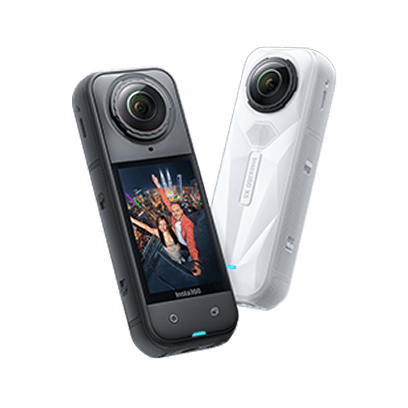




































Tiny Planets have always been a popular shot type for 360 camera users, but have you ever seen a Jump Planet? With the Shot Lab, you can create a series of Tiny Planet transitions with you jumping as the cue, all automatically with AI image recognition.
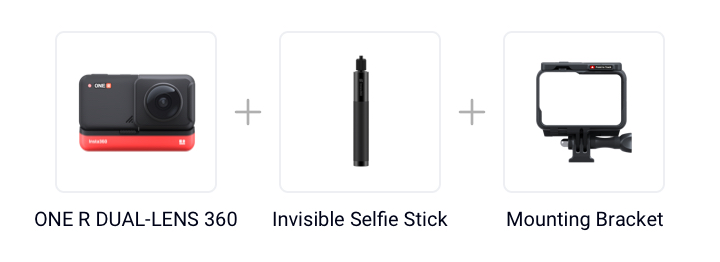
Gear used: Insta360 ONE R Dual-Lens 360 Mod + Invisible Selfie Stick+ Mounting Bracket
Steps:
Step 1: The Set Up
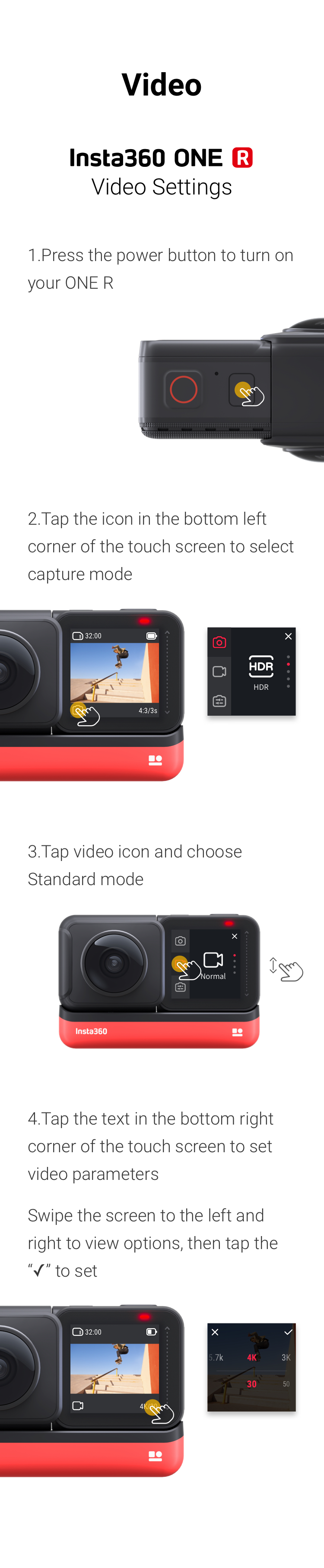
Long press the power button to turn on the camera, tap the lower left corner of the camera screen to switch the recording mode, select normal video mode, tap the lower right corner of the screen again, set the parameters, and select 5.7k 30fps.
Step 2: The Prep
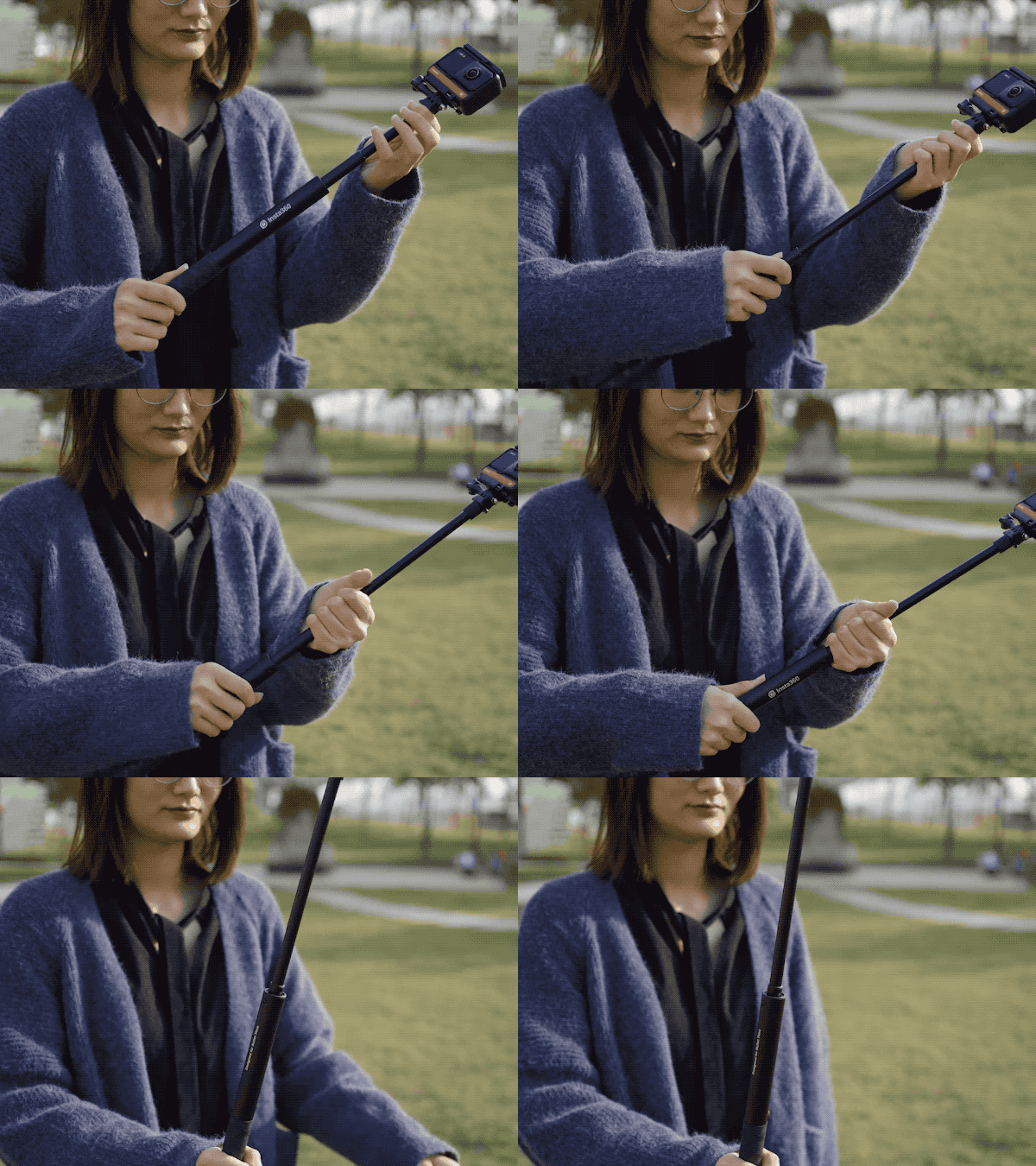
Mount ONE R on the invisible selfie stick. Extend the invisible selfie stick by two sections.
Here are some pointers on using the selfie stick.
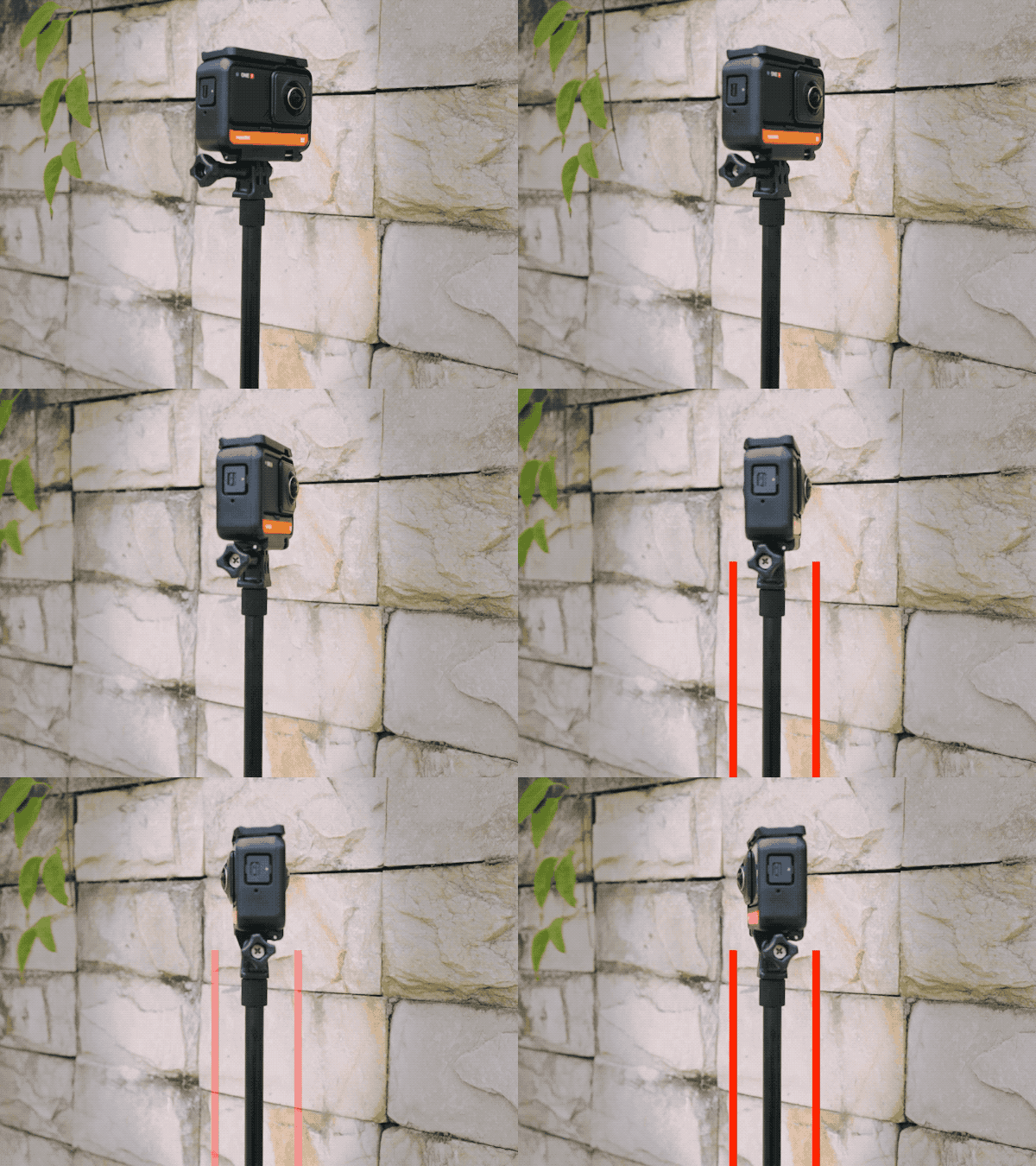
Extend the Invisible Selfie Stick by 2 sections
Step 3:The Shot
(1)Press the shutter button to start shooting
(2)(2)Hold the stick vertically and jump.
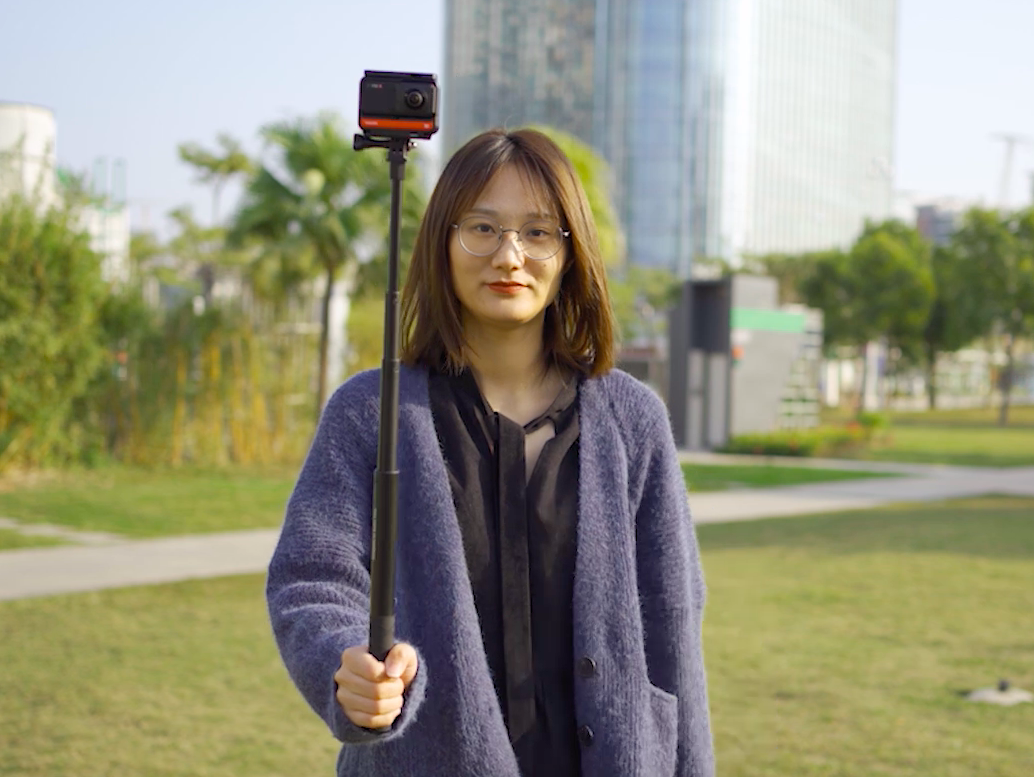
(3)Jump at least twice for each clip, lift your feet off the ground as high as you can
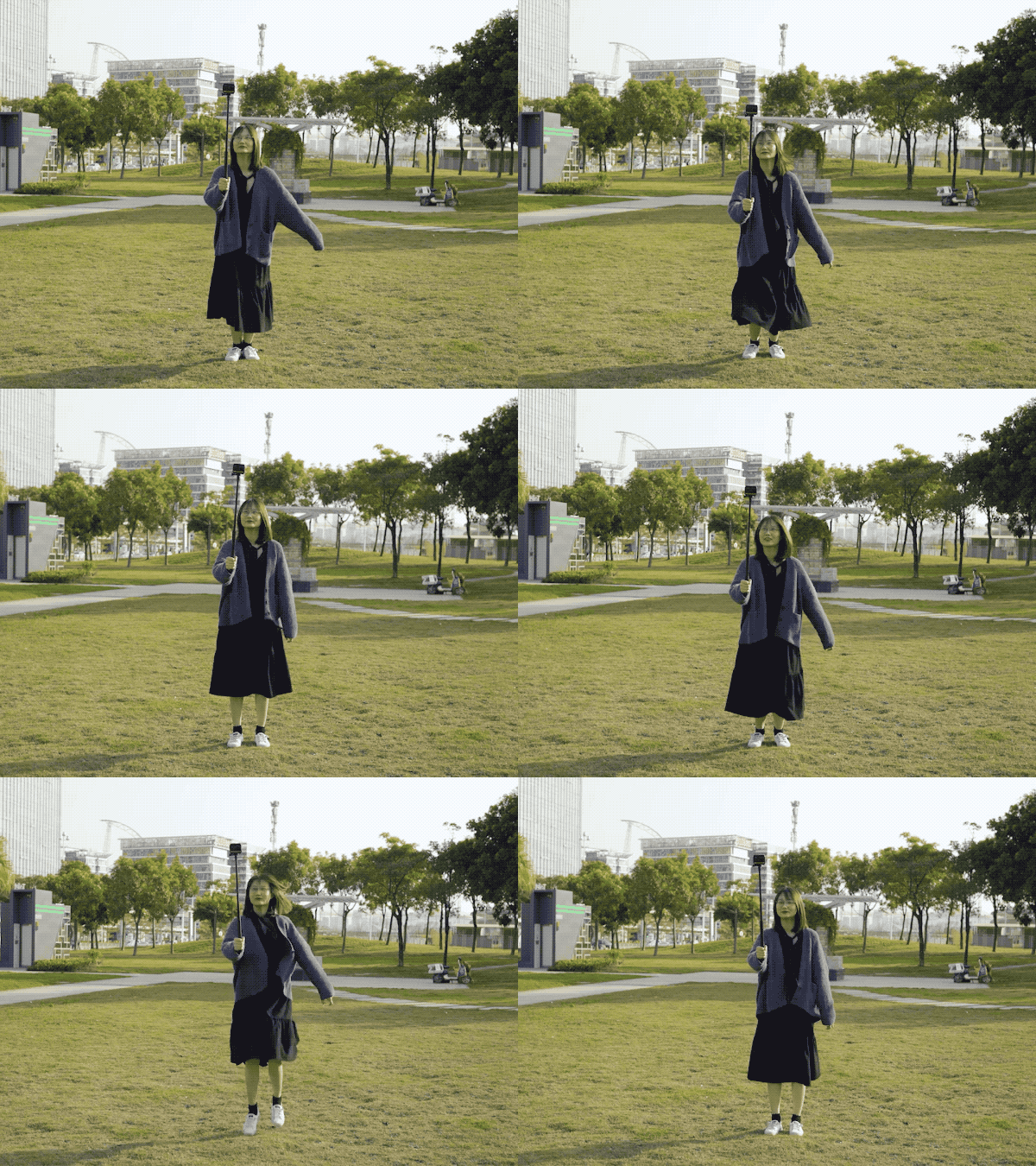
Step 4: The Edit
(1) Tap "Story"-”Shot Lab"-"Jump Planet"
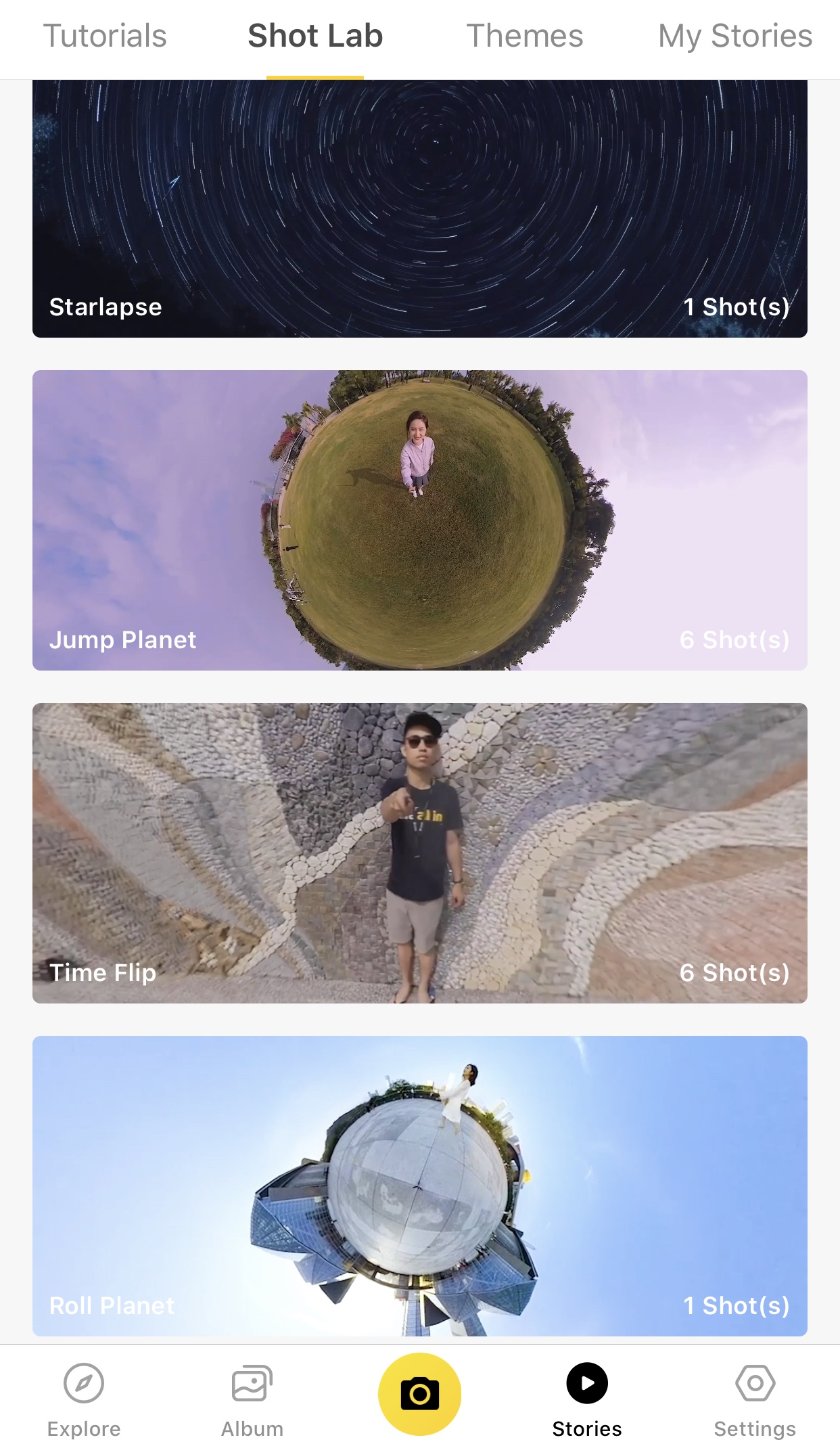
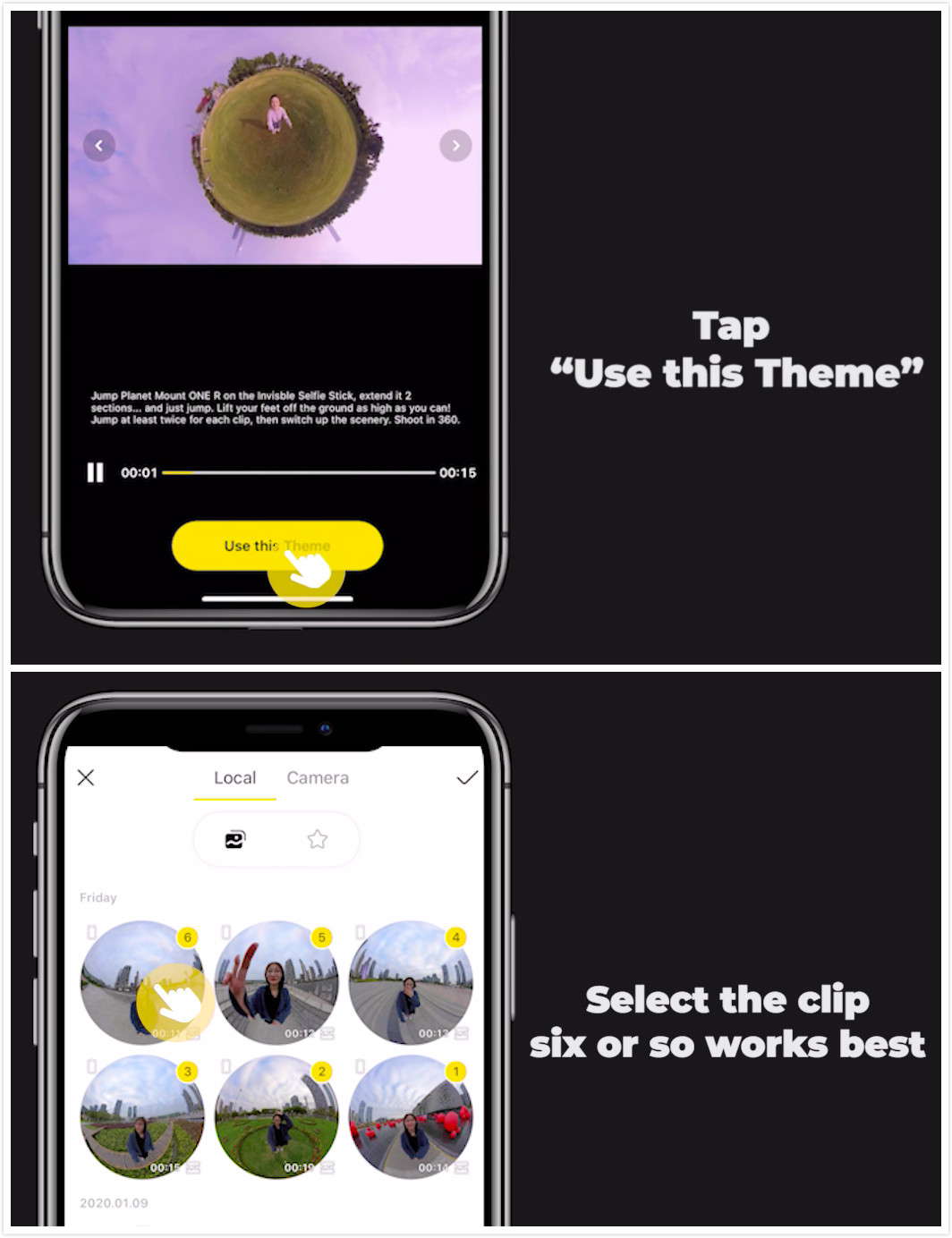
(2)Tap “Use the Theme” and select the clip
(3)The AI will find the highlights. Please don’t exit the app during the AI recognition process
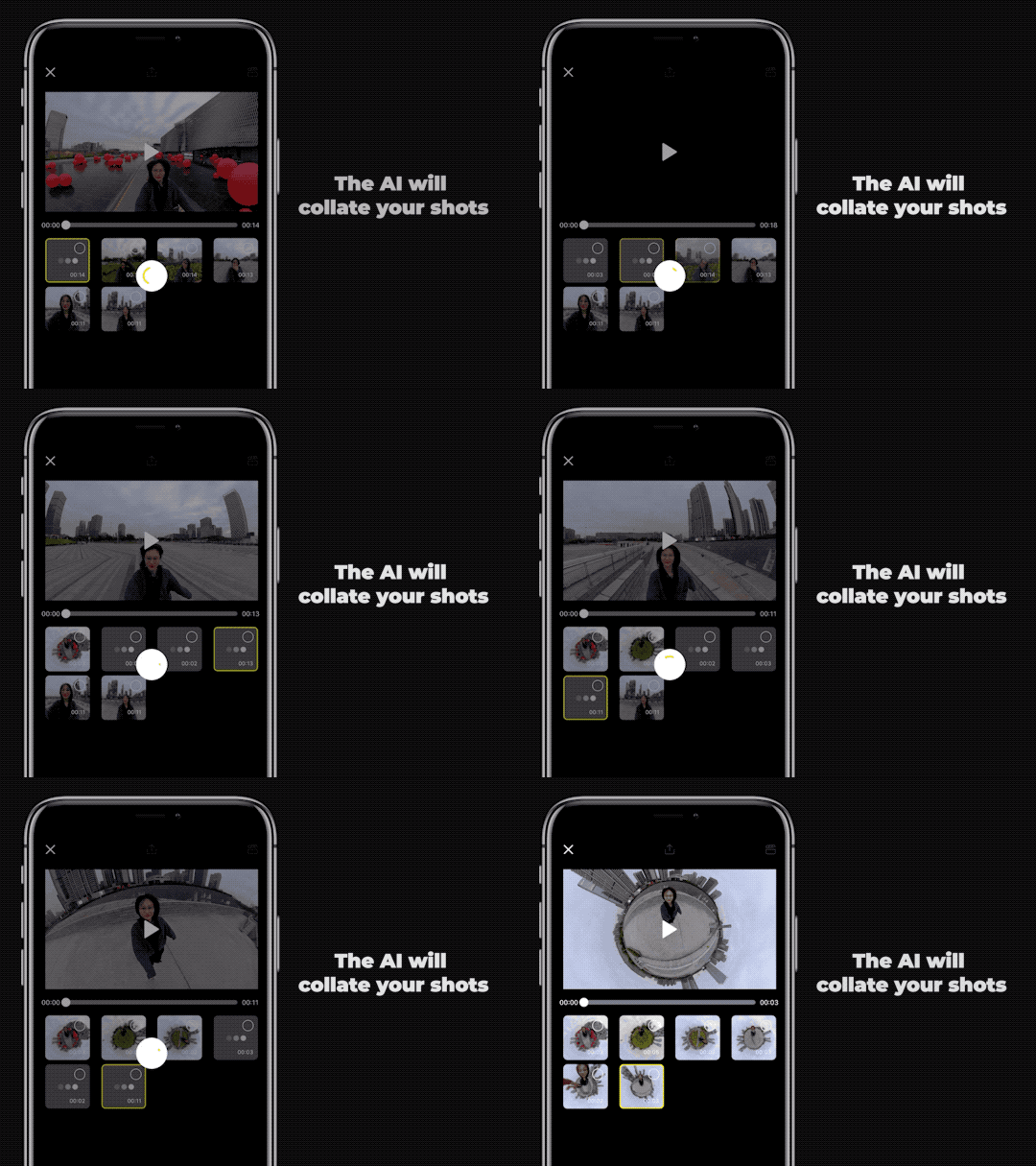
(4)Pick your favorite highlights and preview
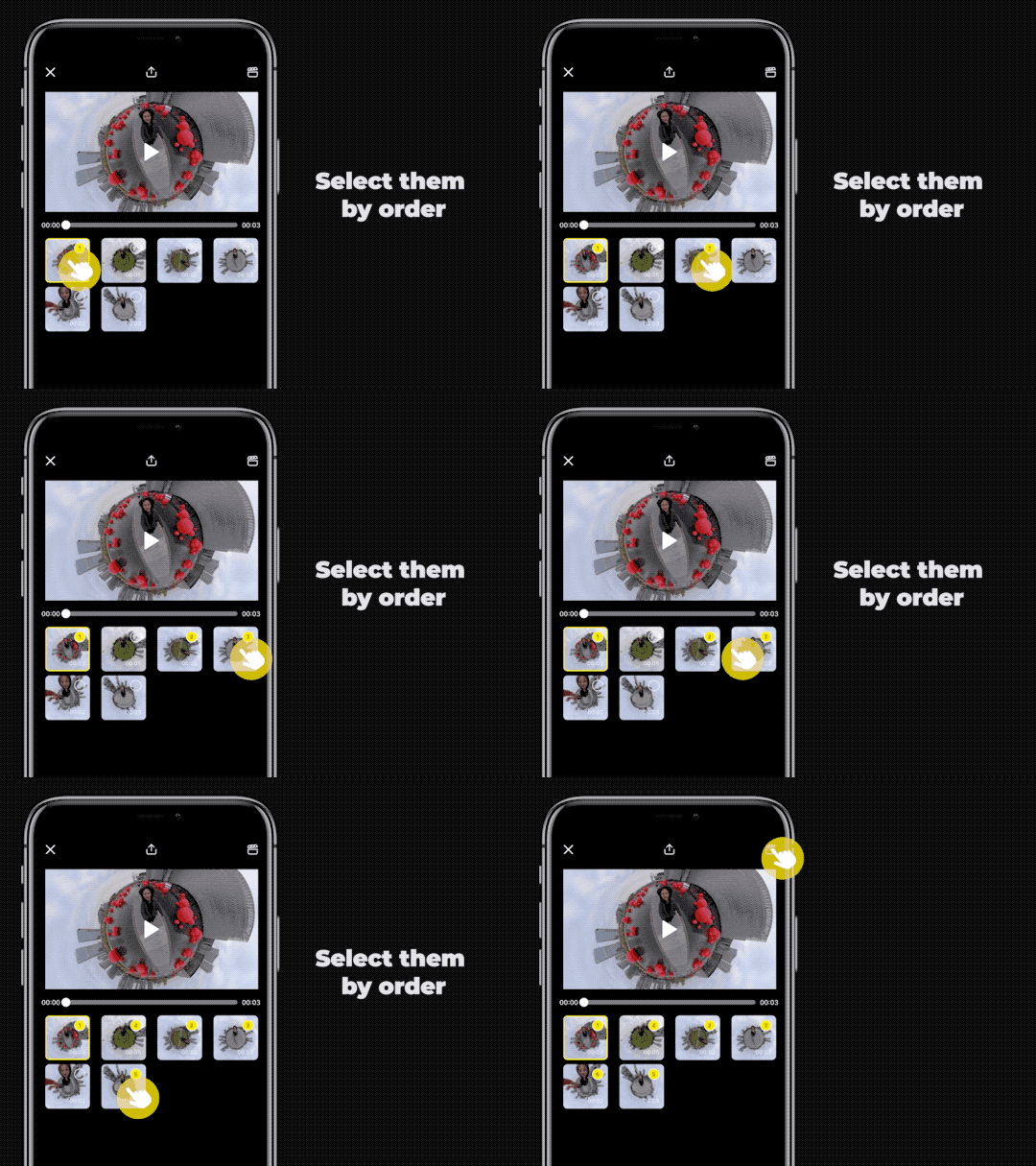
(5)Export and add the tag#JumpPlanet, share to the community
Tips:
(1) Try a wide open area such as grass for this shot
(2)Try calibrating the gyro if you’re experiencing abnormal rotations or shakes while shooting
Here’s how to calibrate the gyro
With just a few taps, you can create a creative masterpiece that will blow minds on social media.
Don't have ONE R yet? Grab yours today ↓↓↓
.svg)


Recibe las últimas noticias de Insta360

.svg)


%20(1).svg)

%20(1).svg)


 Horario de oficina: 9:00-18:00 (UTC+1)
 Horario de oficina: 9:00-18:00 (UTC+1)
