

















































3D Video Shooting Tutorial
Note:
1. For best results, move steadily and smoothly when shooting 3D video.
2. Keep the camera as level as possible, Otherwise it will cause the 3D screen to tilt. Imagine your shooting with a pair of eyes.
3. Just like your actual eyes, you'll feel discomfort if you get to close to the lenses when playing back in VR. The shooting safety distance is 1.4m-2m.
1.Unfold the camera, and slide in the latch to switch it to VR180 mode.
2.Open the EVO app and connect EVO to your phone/ipad (How do I connect?).
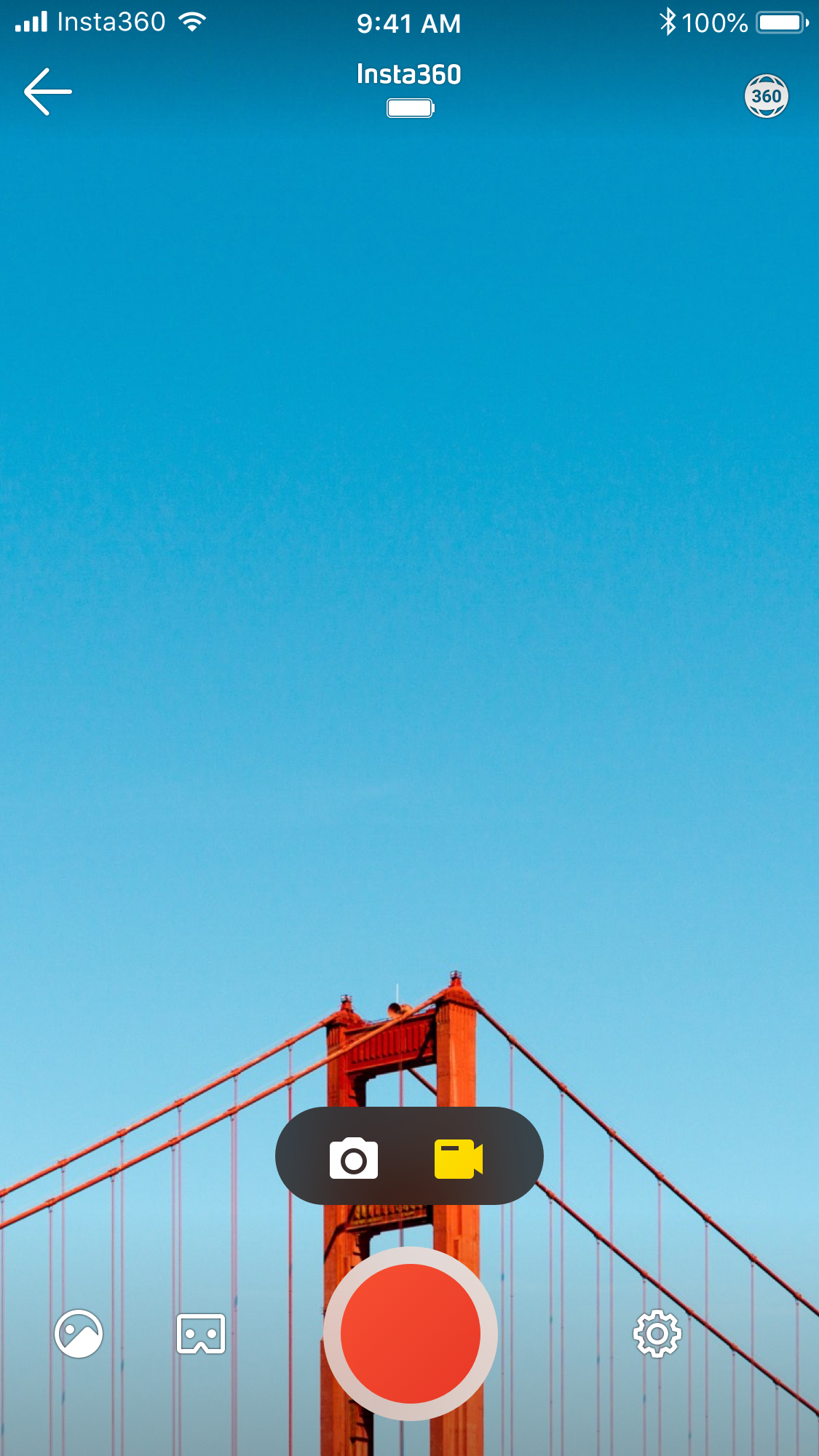
3.Enter the shooting inferface-> choose recording mode to record video. You can tap the "3D Mode" in lower left corner to turn on real time 3D.
Was this information helpful?
.svg)


Insta360 Trade-In
Saca más partido al equipo que no utilizas.
Conoce mas
Suscríbete
Recibe las últimas noticias de Insta360

Estoy de acuerdo con la Política de Privacidad y me gustaría recibir las últimas noticias y ofertas de Insta360 por correo electrónico. Entiendo que puedo contactar con Insta360 y dar de baja mi suscripción en cualquier momento.
.svg)


%20(1).svg)

%20(1).svg)


Soporte de compra
Preguntas antes de la compra
Pedidos & Pago
Devoluciones & Reembolsos
 Horario de oficina: 9:00-18:00 (UTC+1)
Soporte del producto
Solución de problemas & Ayuda
Reparaciones & Garantía
Horario de oficina: 9:00-18:00 (UTC+1)
