
















































How to Use the Insta360 4K Camera
- Slide the TF card into the card slot.
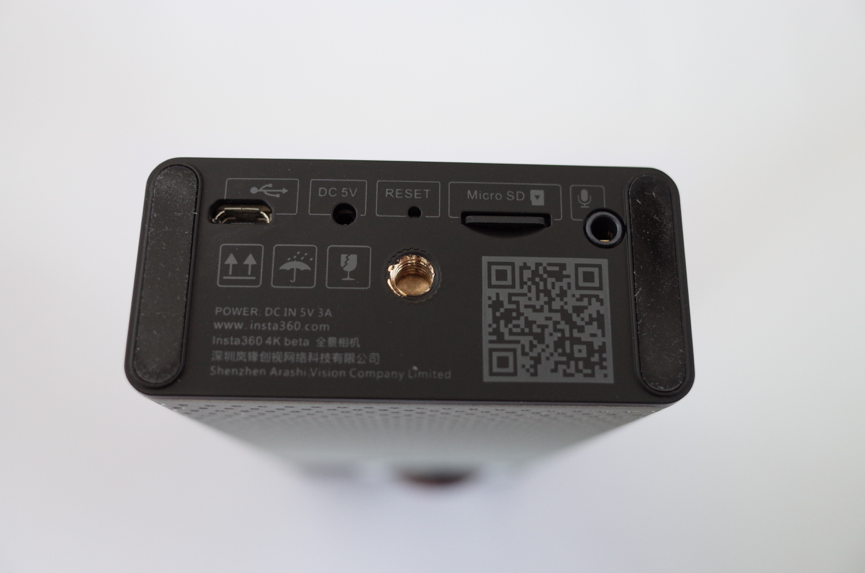
- Hold down the power/shutter button until the red and blue indicators show.
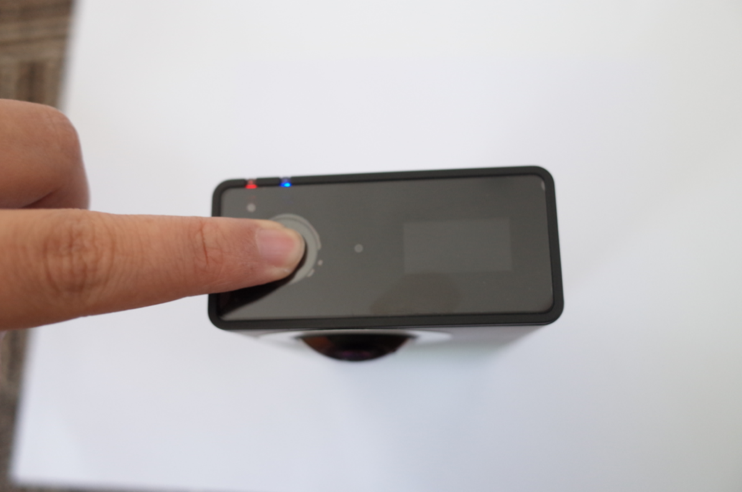
When the camera is ready for use, the green light will display.
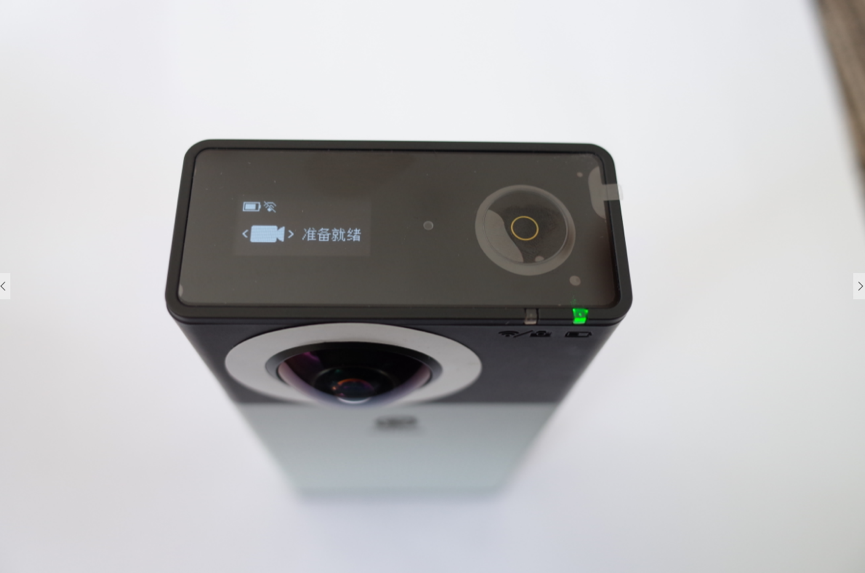
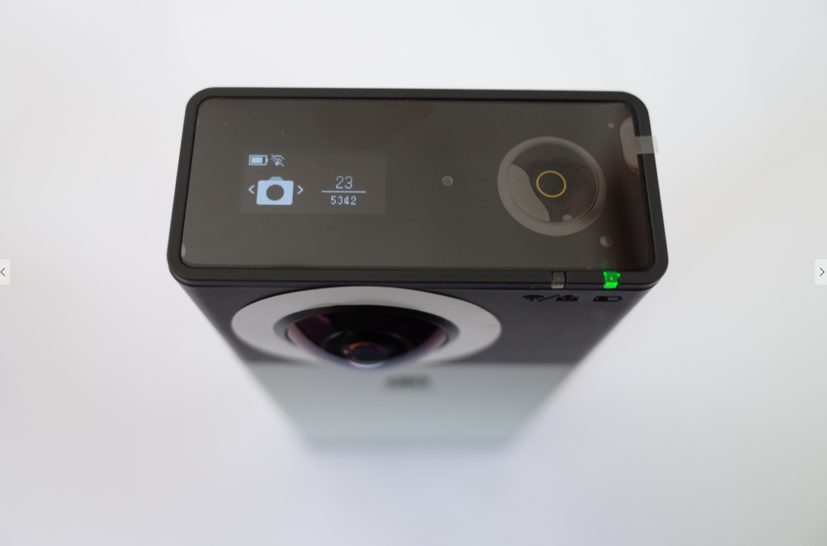
While the 4K camera is recording, the blue light will blink, and the duration of recording will be shown on screen. After you finish recording, it will take about 10 seconds to process the footage for viewing.
 。
。
- You can capture video remotely via the App to 4K camera, at a range of up to 20 meters.
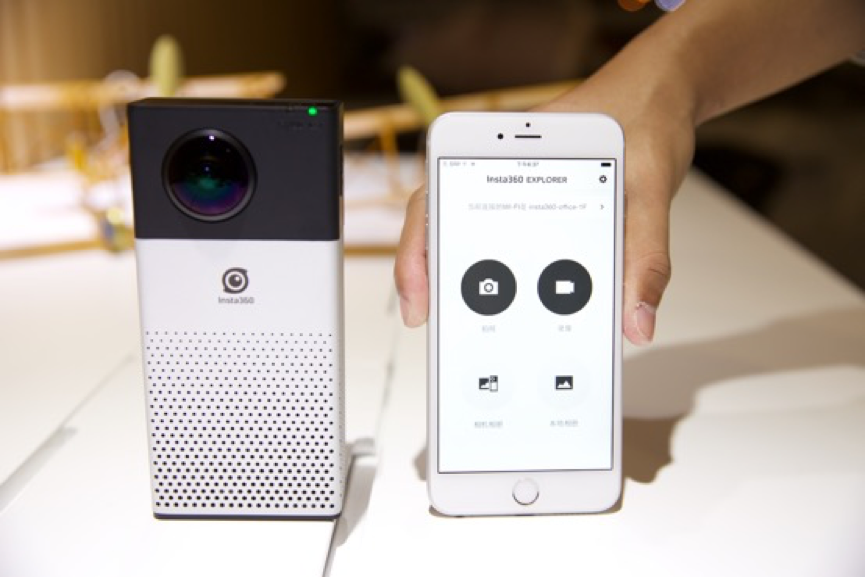
When the camera WIFI is on, the blue light will display. The assigned IP address is shown on the screen of the camera.
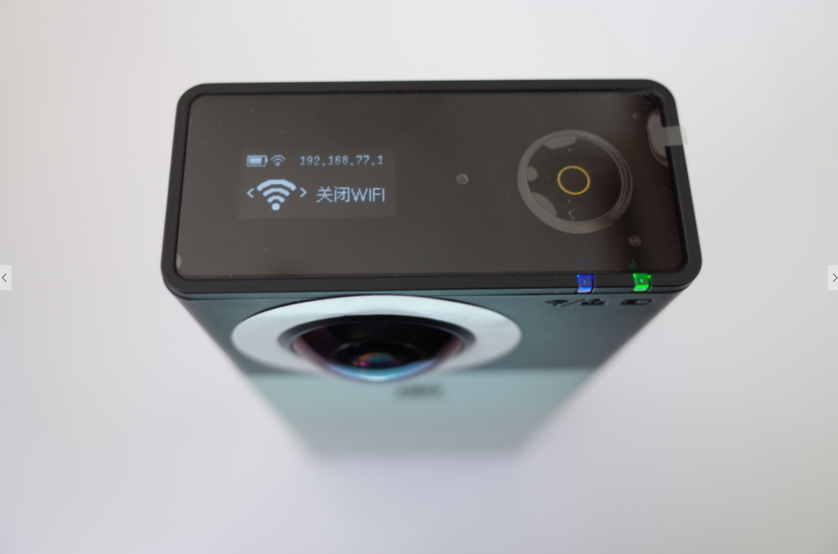
The default WiFi password is “Insta360”.
Was this information helpful?
.svg)


Insta360 Trade-In
Mach mehr aus deiner Ausrüstung, die du eh nicht mehr brauchst.
Mehr erfahren
Jetzt Anmelden
Immer die neuesten Infos von Insta360 erhalten.

Ich stimme der Datenschutzrichtlinie zu und möchte die aktuellen News und Angebote von Insta360 per E-Mail erhalten. Ich weiß, dass ich Insta360 jederzeit kontaktieren kann, um mich davon abzumelden.


%20(1).svg)


%20(1).svg)

.svg)


Kaufunterstützung
Fragen vor dem Kauf
Bestellungen & Zahlung
Rücksendungen & Erstattungen
 Bürozeiten: 9:00-18:00 (UTC+1)
Produkt-Support
Problemlösung & Hilfe
Reparaturen & Garantie
Bürozeiten: 9:00-18:00 (UTC+1)
