















































Ever seen Naruto? With a ONE series camera, you can split into a bunch of clones in your video! Not seen Naruto? No worries, the costume isn’t mandatory. Here’s how it’s done:
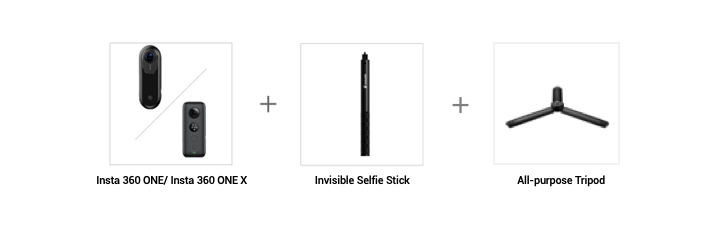
Gear used: Insta 360 ONEX/ONE + Invisible Selfie Stick + All-purpose Tripod
Steps:
Step 1:The Prep
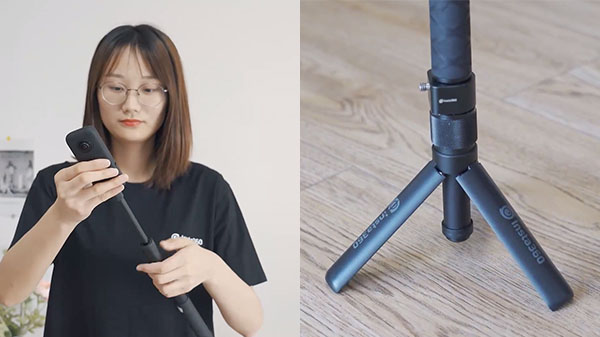
Mount your ONE X onto the Invisible Selfie Stick and All-purpose Tripod. Place it on the floor.
Step 2: The Setup
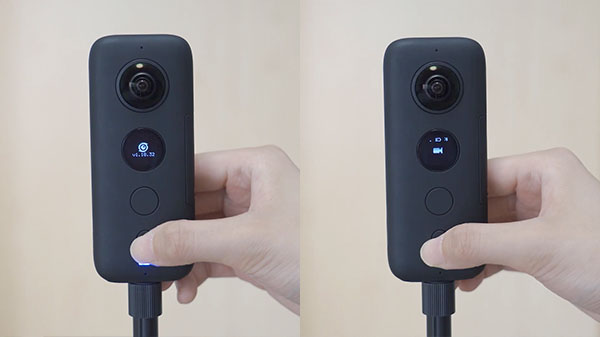
Long press the small button to turn on your camera. Press the small button again to choose Video mode.
(2)Alternatively, connect your ONE X to your phone (How do I connect?) and select video mode. Tap Settings and set your parameters. We recommend shooting at 5.7K@30FPS in manual mode so that you can set your ISO and shutter speed, that way the lighting won’t change between your different shots. We recommend setting your ISO at 200 and shutter speed to 1/50 if it’s a sunny day.
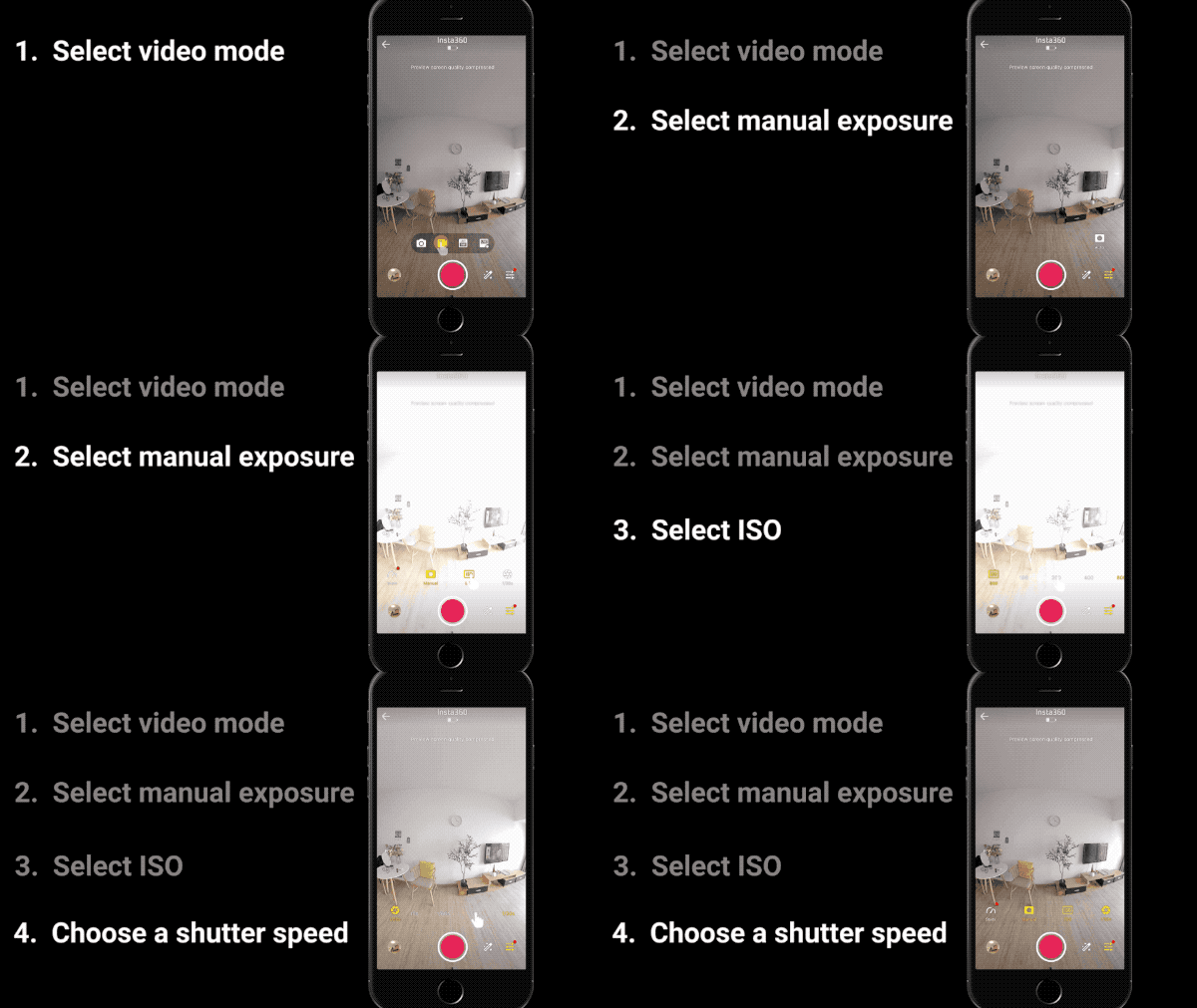
Step 3: The Shot
Press the large button to start shooting.
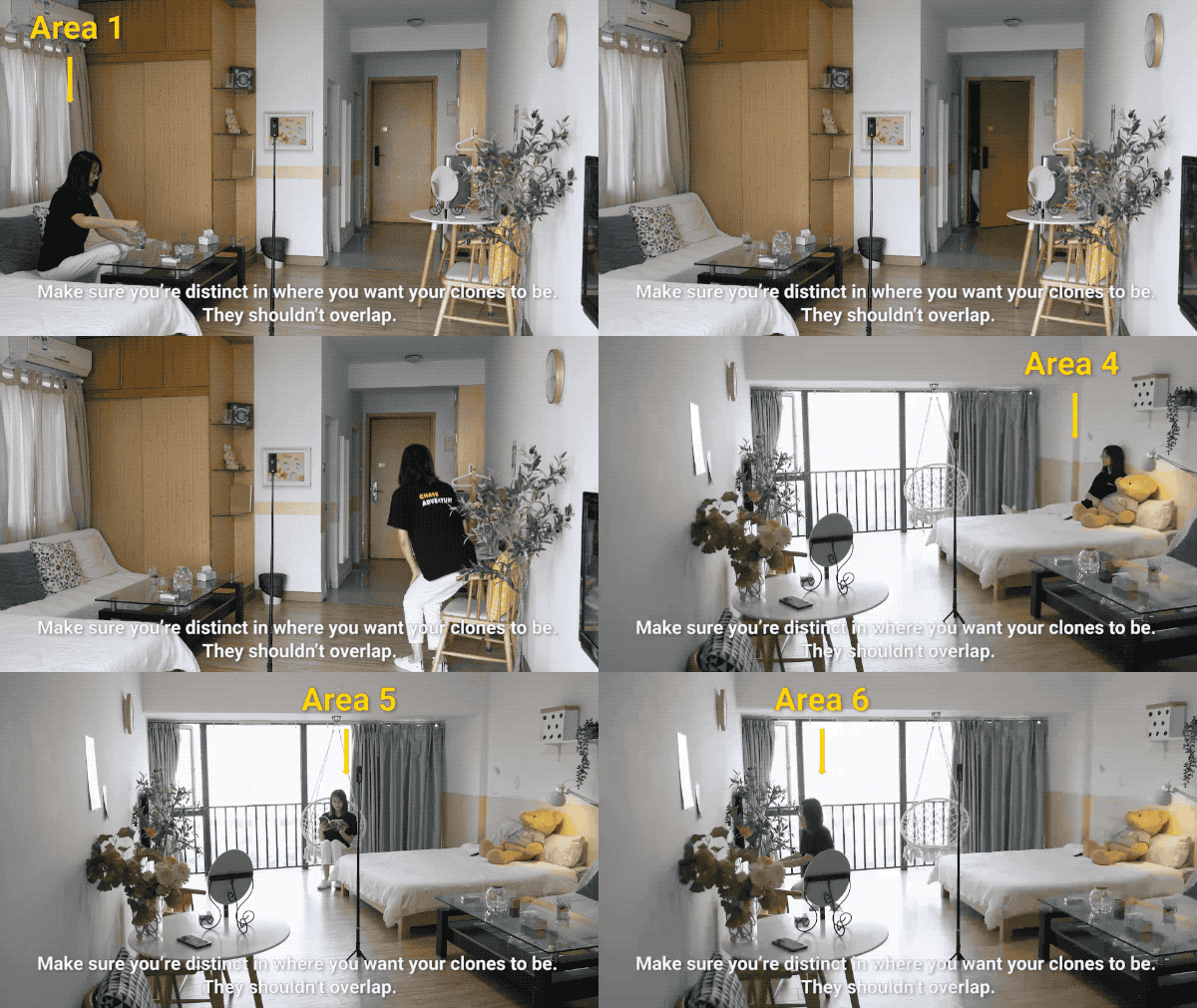
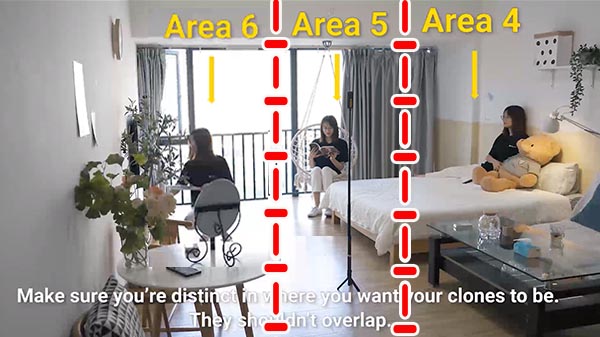
Step 4: Edit and share
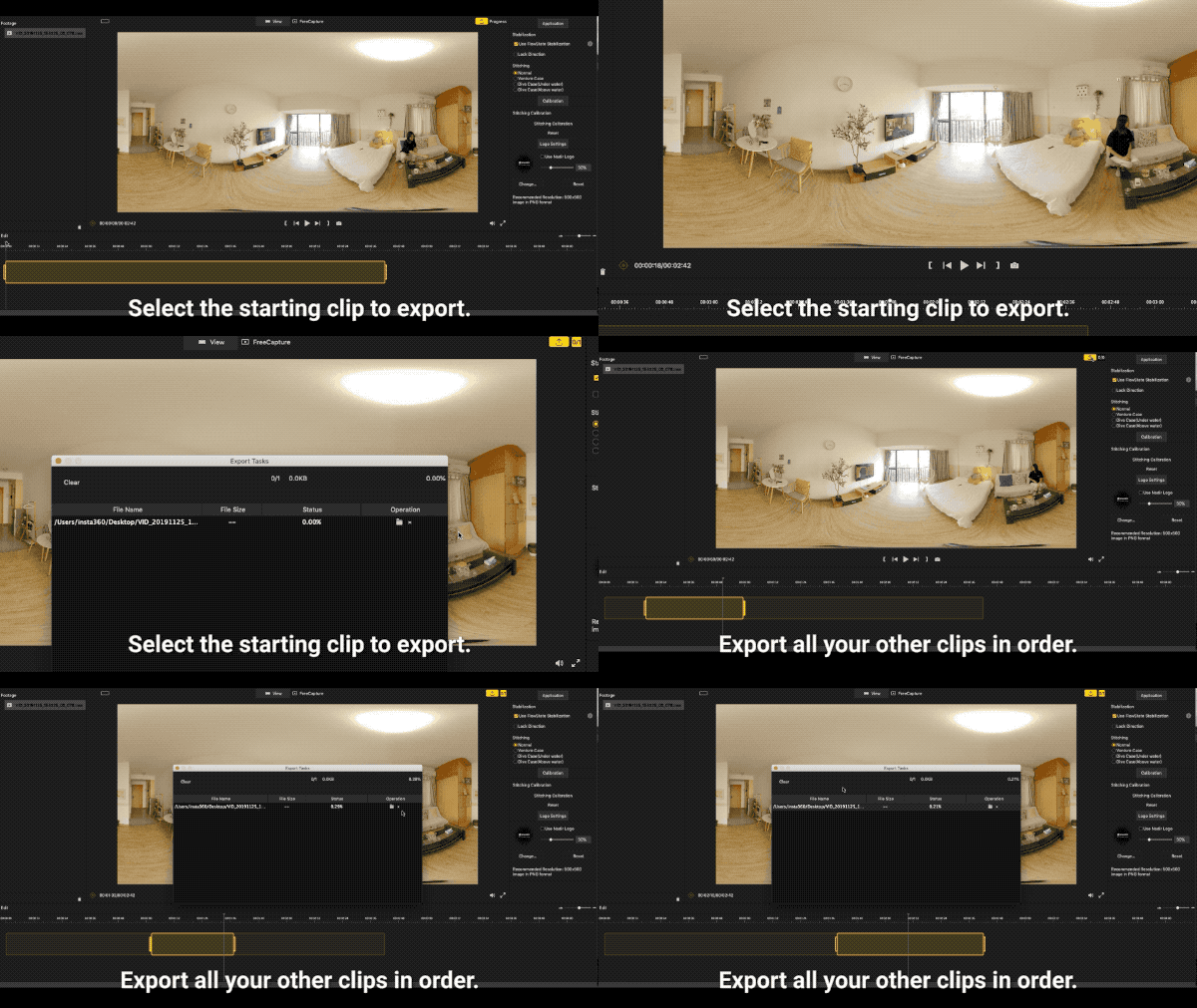
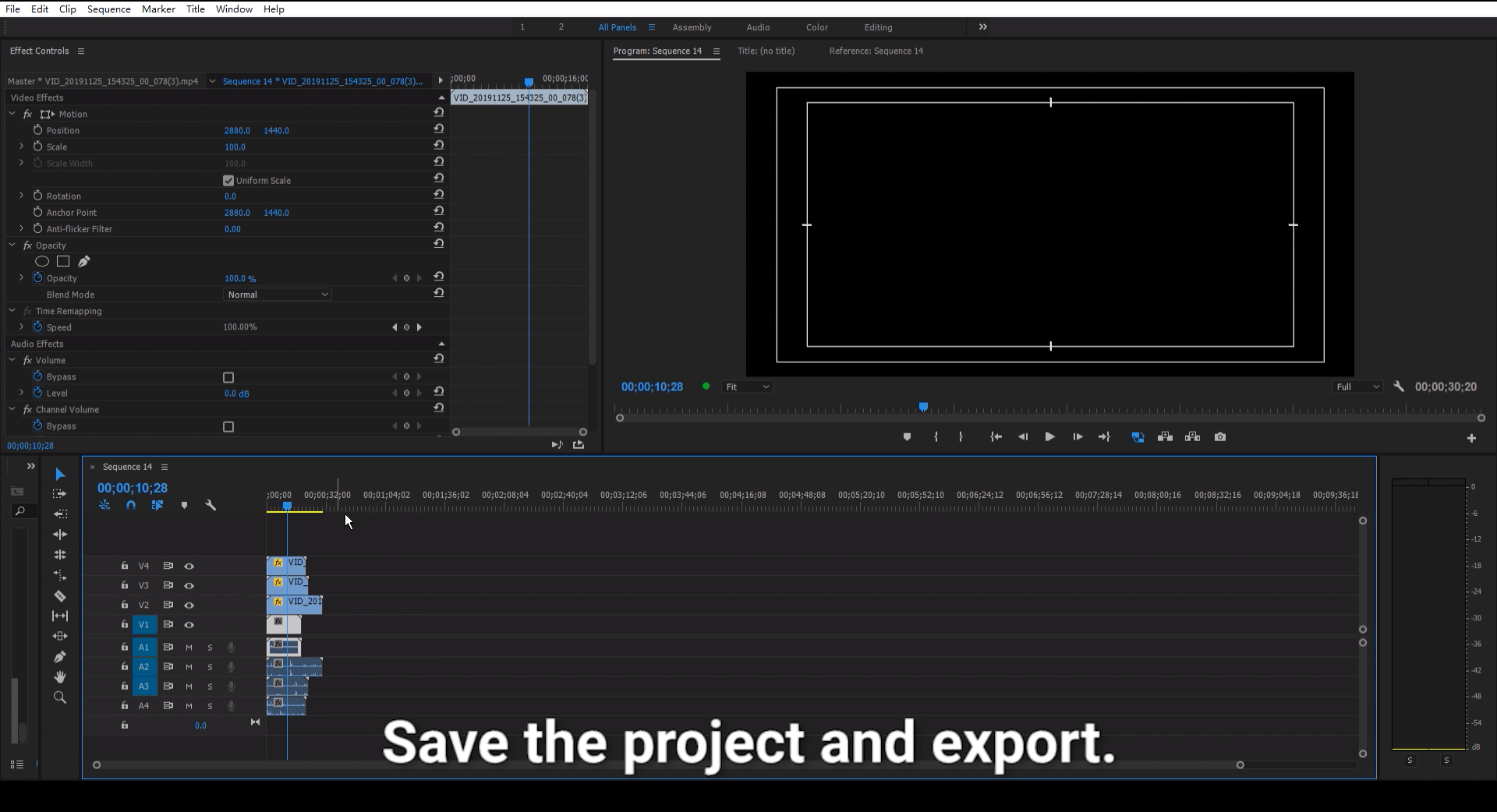
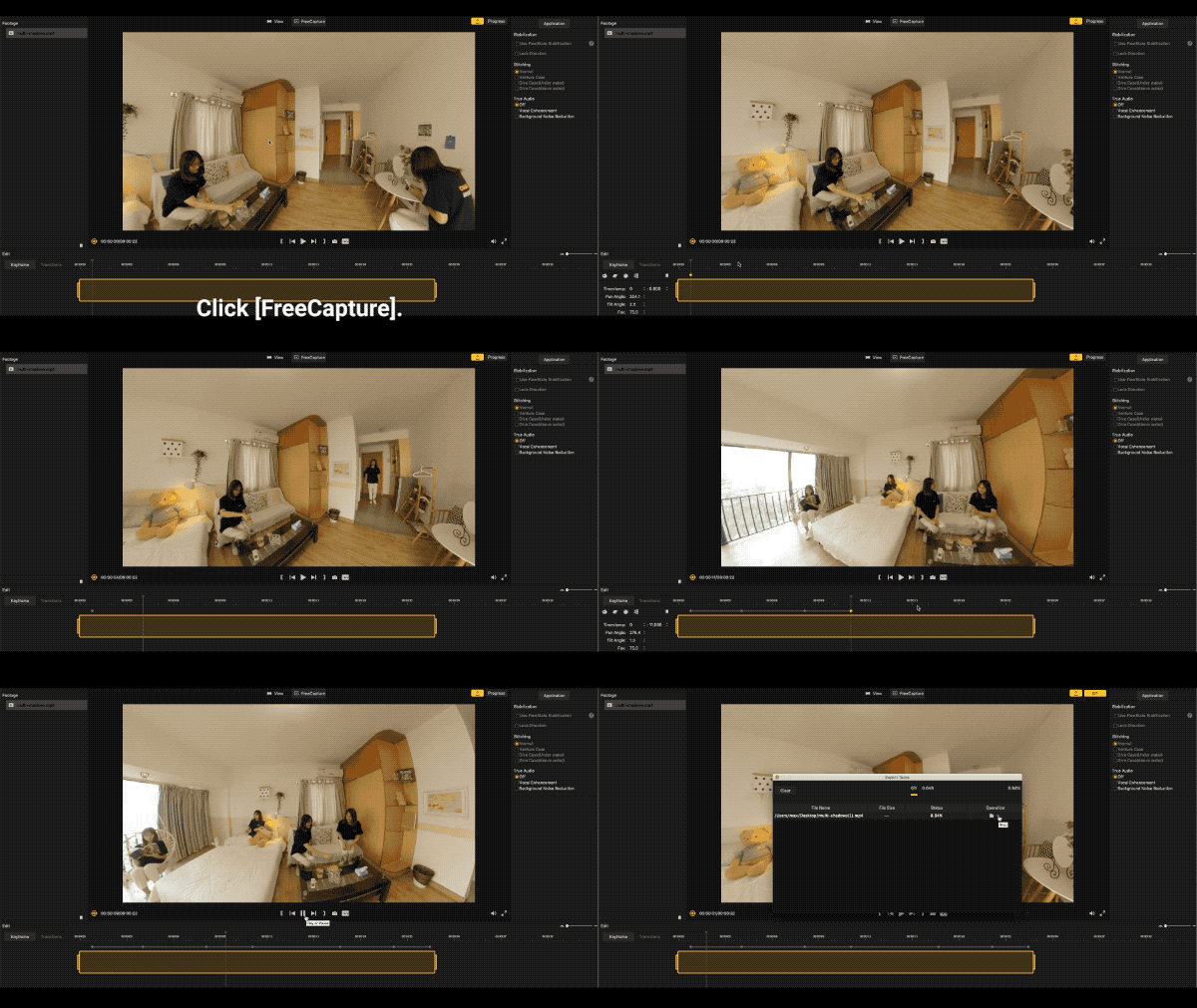
(1) Import the video into Insta360 Studio, select the required clip length, and export a 2:1 360 video.
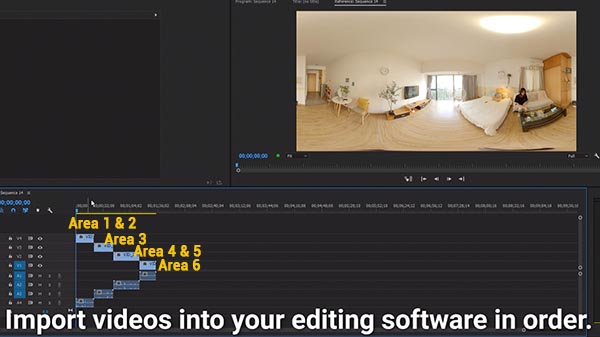
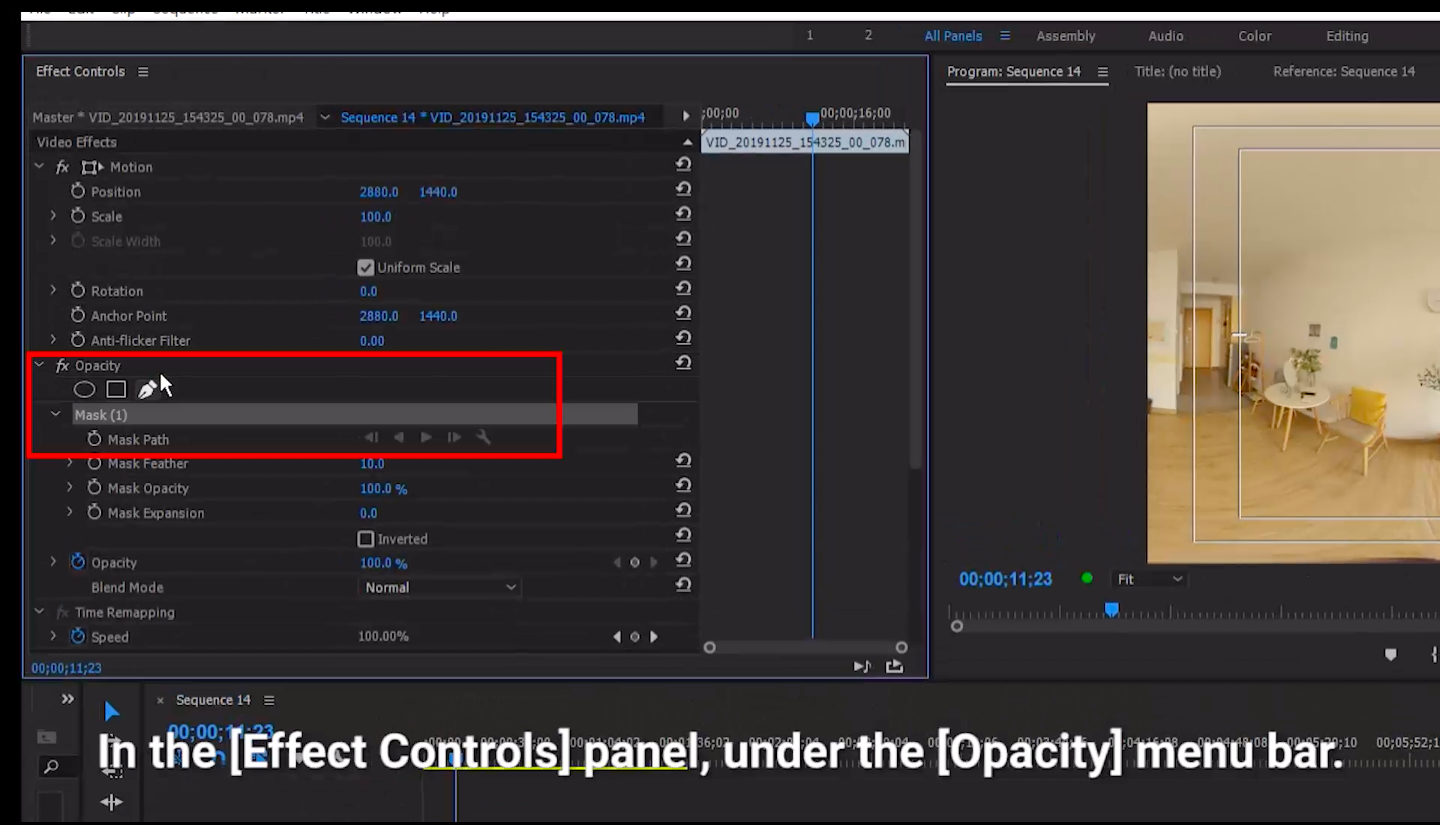
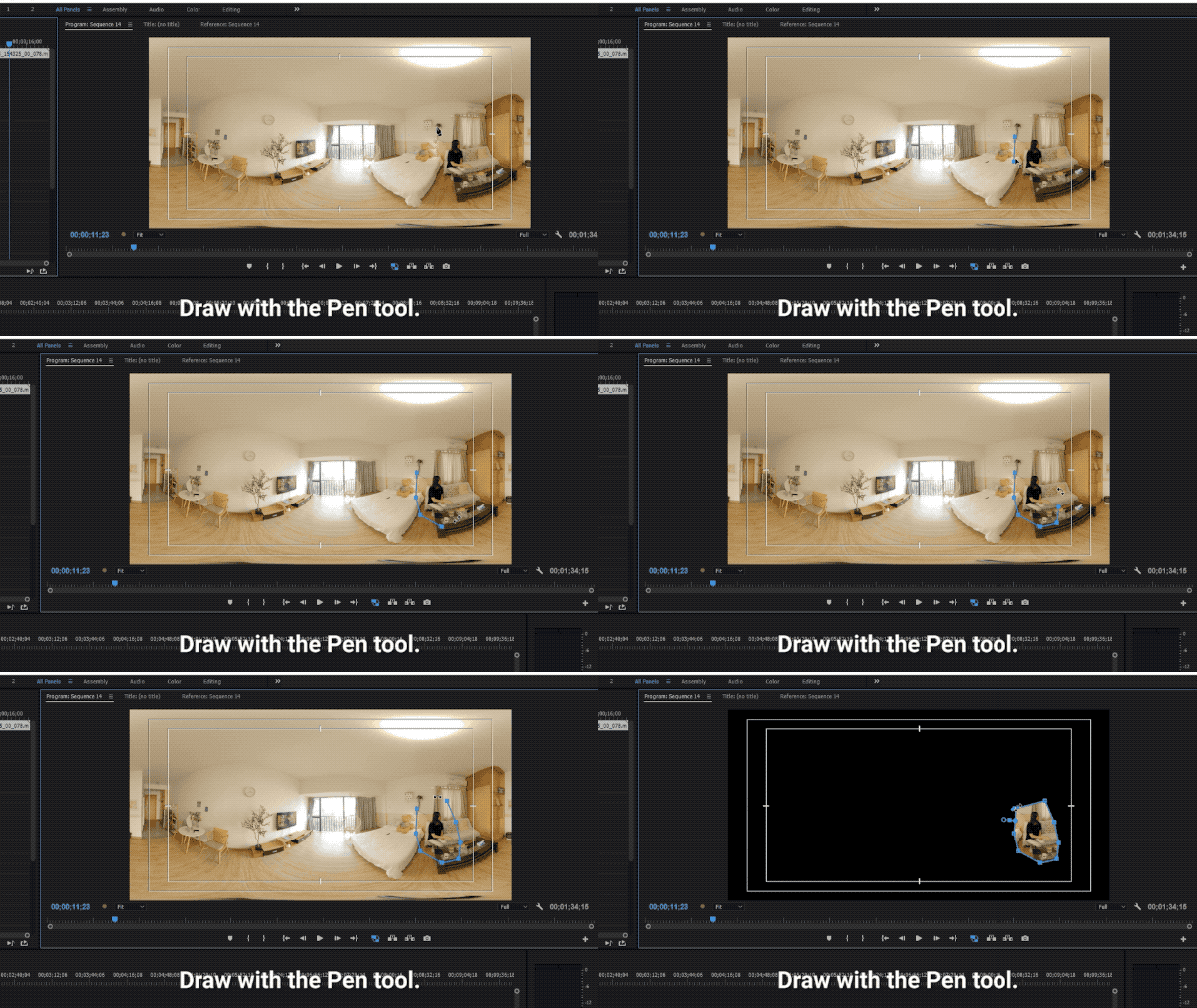
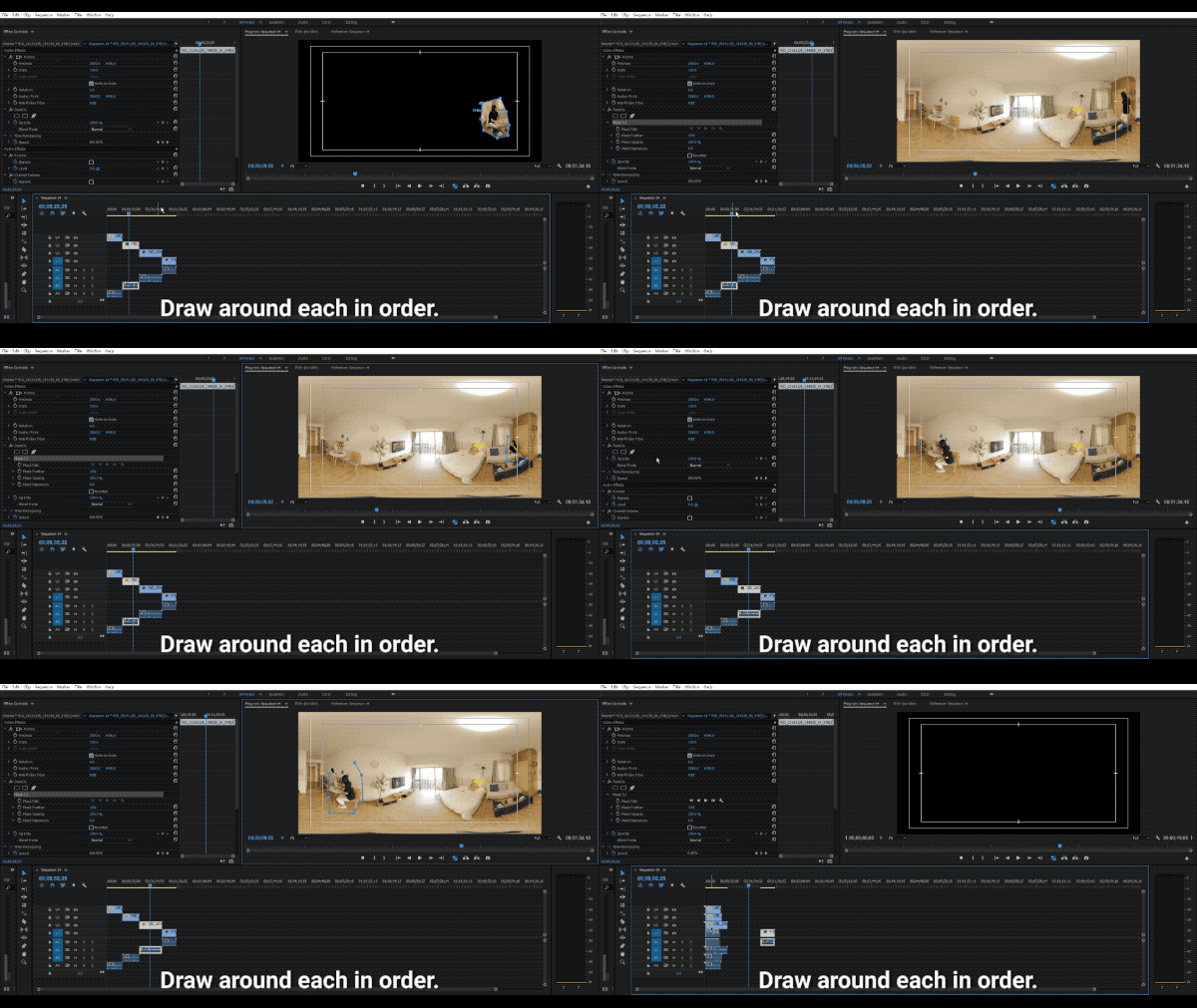
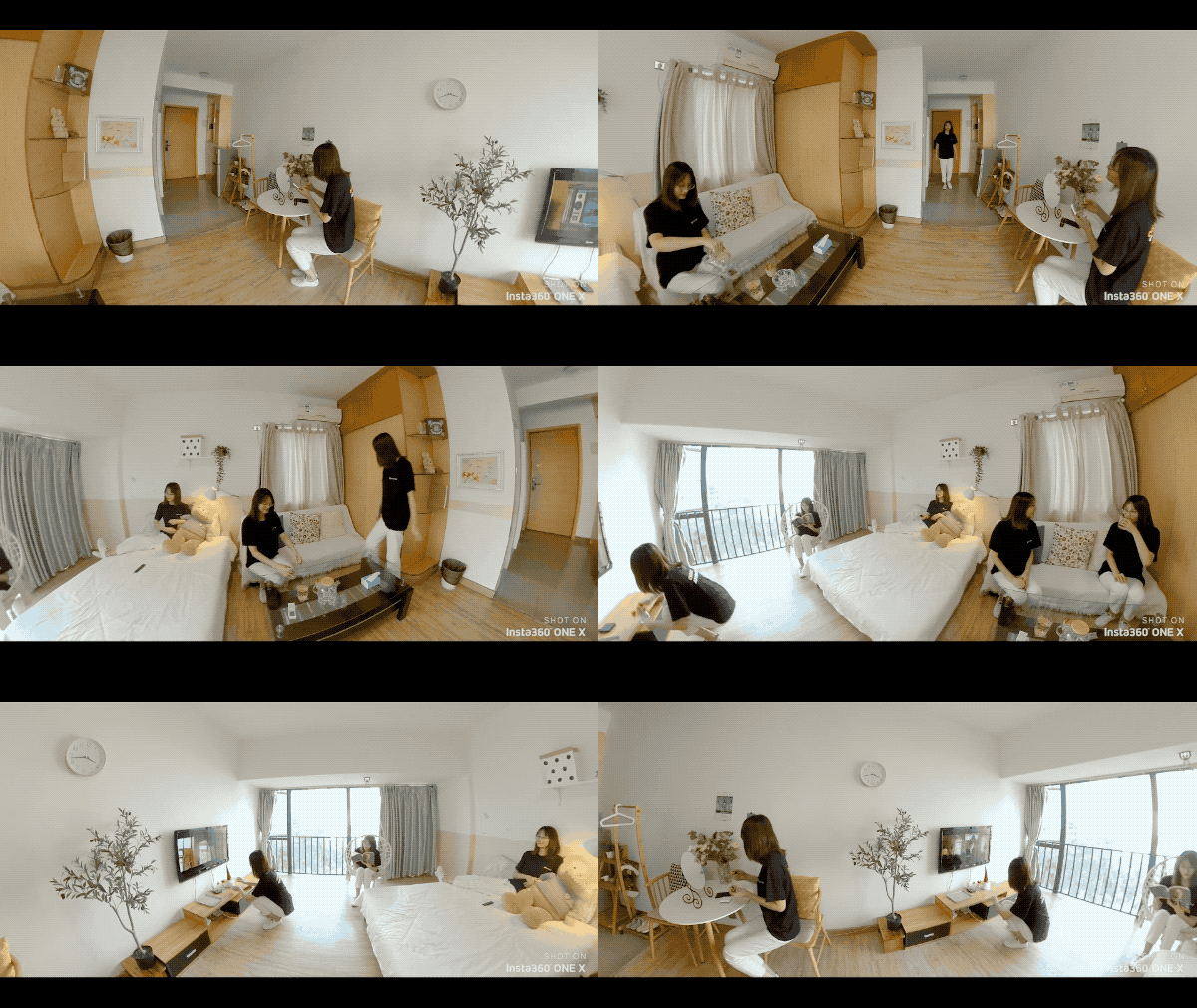
Here are a few more shots for inspiration:
Tips:
1. Keep the camera completely still during shooting.
2. Be sure to use the manual mode when shooting, so that the light will not change.
3. During the shooting process, you can connect your phone (How do I connect?) to preview and make adjustments.
4. Try calibrating the gyro if you’re experiencing abnormal rotations or shakes while shooting. Click here to learn how to calibrate the gyro.

How to participate:
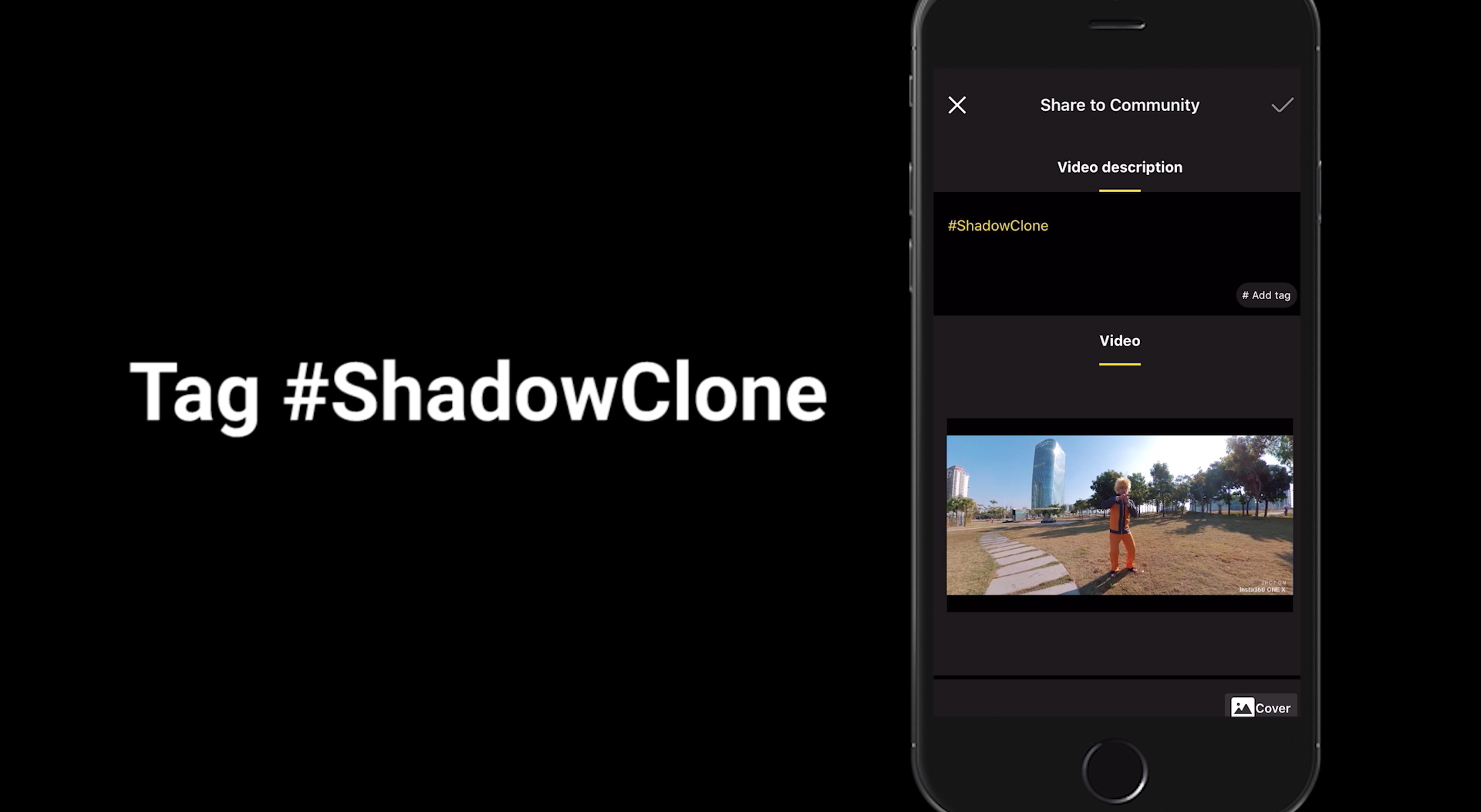
Log into Insta360 Community via the Insta360 app. Tag #ShadowClone and share.
The best entries will be featured on the Insta360 Community home page for Insta360 users around the world.
.svg)


Immer die neuesten Infos von Insta360 erhalten.


%20(1).svg)


%20(1).svg)

.svg)


 Bürozeiten: 9:00-18:00 (UTC+1)
 Bürozeiten: 9:00-18:00 (UTC+1)
