



Insta360 X6
8K 360°-Flaggschiff-Kamera mit Sony Sensoren für 360°-Bildgebung auf 1-Zoll. Neues OLED-Display. Kompakt. Riesiges Potenzial.

Insta360 Luna-Serie
8K Gimbal-Kameras mit 1"-Sensor für hervorragende Schwachlicht-Leistung und abnehmbaren Touchscreens.

Antigravity A1
8K 360°-drohne.
in zusammenarbeit mit Insta360 entwickelt.

Insta360 X5
360°-Kamera mit bestem Preis-Leistungs-Verhältnis, brillanter 8K Bildqualität und Wechsellinsen-Design.

Insta360 Ace Pro 2
8K KI-gestützte Action-Kamera mit führender Bildqualität, Tag und Nacht.

Insta360 GO Ultra
Leichte 4K-Flaggschiff-Kamera mit ultralangem Akku für POV-Aufnahmen & einzigartige Blickwinkel bei Tag und Nacht.

Insta360 Flow 2 Serie
KI-gesteuerte All-in-One-Gimbal-Serie für bessere Smartphone-Aufnahmen.
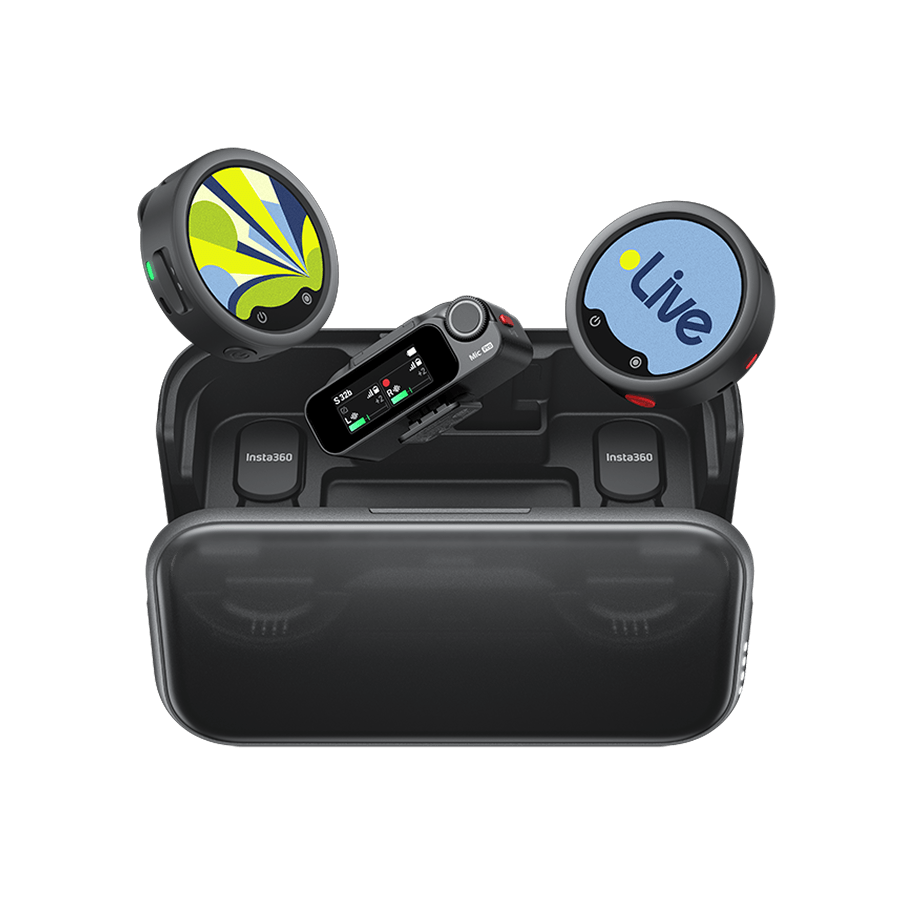
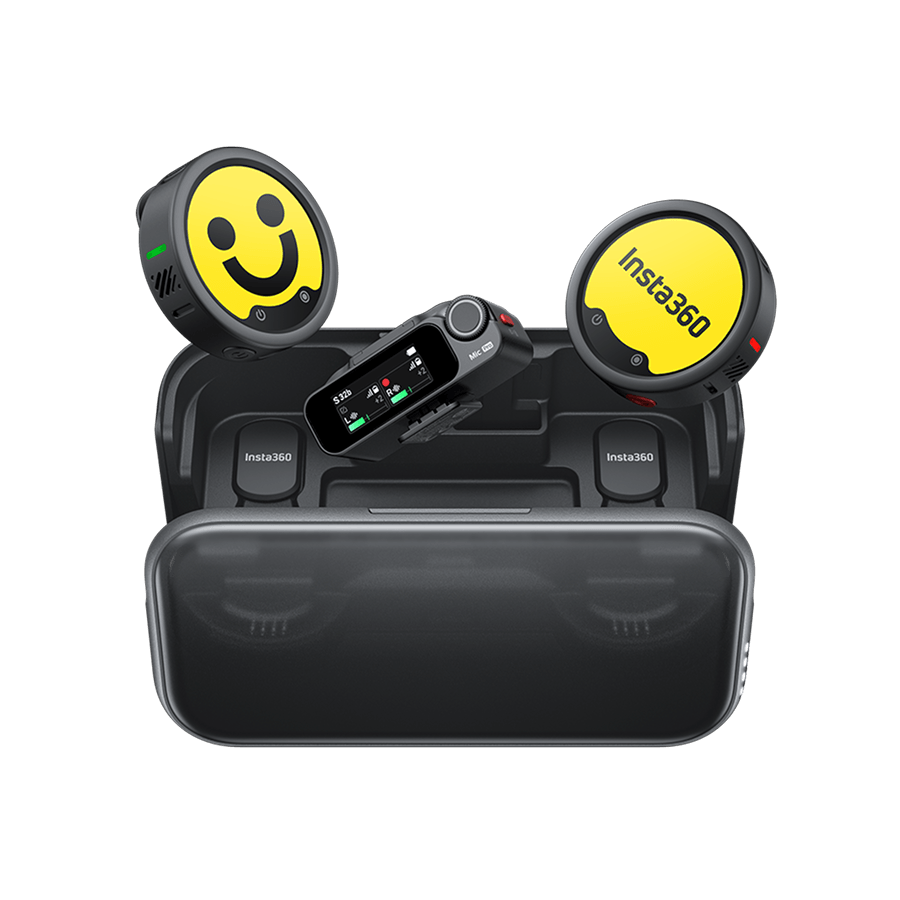
Insta360 Mic & Mic Pro
Kabellose E-Ink-Mikrofone mit klarem, natürlichem Sound und deinem ganz individuellen Style.






































How do I change/add a watermark (Bottom Logo)?
1.Open EVO App, tap Settings->Bottom Logo
2.Select the logo what you want, or you can tap ‘+’ -> select a photo -> adjust the parameters of the Logo and add it.
.jpg)
Was this information helpful?
.svg)


Insta360 Trade-In
Mach mehr aus deiner Ausrüstung, die du eh nicht mehr brauchst.
Mehr erfahren
Hobby-Produkte
Video-Konferenzen
Professionelle Produkte
Kaufmöglichkeiten
Support
Über uns
Entdecken
Jetzt Anmelden
Immer die neuesten Infos von Insta360 erhalten.

Ich stimme der Datenschutzrichtlinie zu und möchte die aktuellen News und Angebote von Insta360 per E-Mail erhalten. Ich weiß, dass ich Insta360 jederzeit kontaktieren kann, um mich davon abzumelden.


%20(1).svg)


%20(1).svg)

.svg)

Copyright © Insta360 All rights reserved.
Guangdong ICP-Nr. 16095556.
Right to Opt Out of Sale/Sharing
This webpage is intended for United States data subjects only. Some states provide residents with the right to opt out of “targeted advertising,” “selling,” or “sharing” of personal information. Please visit our "Privacy Policy-9.Special rules for U.S. residents", for more information about your rights and our privacy practices.
Selling, Sharing, Targeted Advertising
We may use personal information to support “targeted advertising,” “selling,” or “sharing,” as defined by applicable privacy laws, which may result in third parties receiving your personal information. You can move the toggle above to the left to opt out of these activities on the websites related to www.insta360.com consistent with applicable law. Please note that, because these activities are based on online cookies, your opt-out choice is specific to this property. If you access other websites of Insta360, you will need to make your election for each. Also, if you clear your cookies on this browser or use another browser or device, you may need to opt out again on this property.You may also choose to enable online, where available, a universal tool that automatically communicates your opt-out preferences, such as the Global Privacy Control (“GPC”). We will process the GPC signal as a request to opt out.
Please be aware that even if you opt out, you may still see ads based on personal information processed before you opt out.

Kaufunterstützung
Fragen vor dem Kauf
Bestellungen & Zahlung
Rücksendungen & Erstattungen
 Bürozeiten: 9:00-18:00 (UTC+1)
Produkt-Support
Problemlösung & Hilfe
Reparaturen & Garantie
Bürozeiten: 9:00-18:00 (UTC+1)
