

















































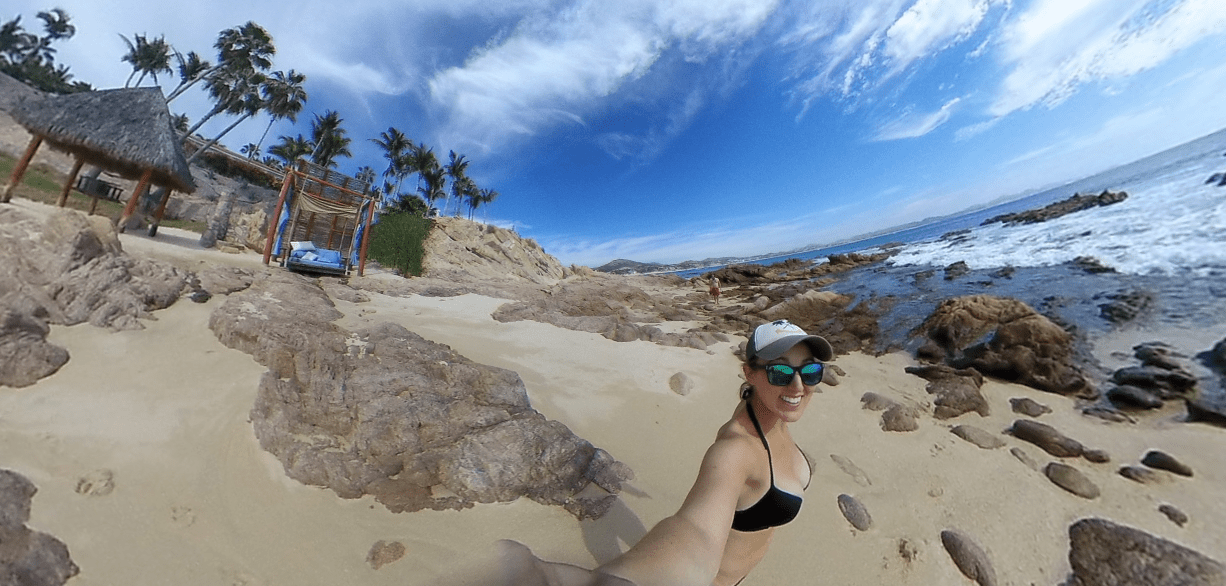


The one drawback of taking a picture that includes everything is that you'll always get the camera itself in frame.
Of course, digitally removing the camera—which Insta360 cameras do automatically—solves most of the problem. But it's not easy to get rid of every vestige of the device that was once at the heart of the picture. In some situations, an absence is as noticeable as a presence.
That's why both the Insta360 Air and Insta360 Nano offer a simple, fully customizable way to put your own mark on your photos and conceal the original position of the camera in whatever way best suits a given shot.
Check out the video above to learn how easy it is to make your own watermark.
Keen to keep up to date on Insta360 stories? Keep an eye on our blog and sign up for our mailing list.







%20(1).svg)


%20(1).svg)

.svg)


