

















































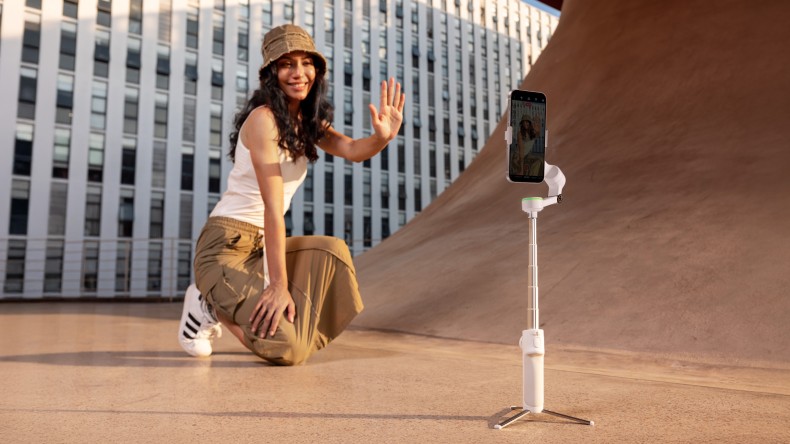


The latest Samsung Galaxy phones deliver quality that would have been unheard of just five years ago: stunning 4K, cinematic slow motion, and even pro-grade HDR. But what a phone will never be able to do fully is smooth out all of life’s bumps and bashes, stumbles and jerks, especially when you’re filming moving subjects or shooting at longer zoom ranges.
A single jolt can turn a dramatic tracking shot into something that’s essentially unusable. You might think you have the steady hands of a bomb-disposal expert. However, we’re inherently shaky creatures prone to erratic movement. This is where technology steps in.
What Smartphone Gimbals Are and Why They Matter
When you’re recording using your phone, every step sends shock waves through your footage. You might not notice while filming (you’re walking like a puma through the jungle, right?) but when you look back at your footage, the near-constant vibrations are unmistakable.
Even with advanced smartphone stabilization, your hands aren’t steady. When you walk, run, or pivot, micro-movements ripple through the frame. Samsung Galaxy phones are packed with powerful sensors and intelligent software, but physics still wins when you’re in motion.
A quality gimbal removes shaky movements from the equation. Simply clip your phone in, and the handheld stabilizer, powered by motors, counteracts unwanted movement in real time. Instead of relying purely on digital correction, a mechanical system physically balances your phone as you move.
Modern stabilizers like the Insta360 Flow 2 Pro combine mechanical stabilization with AI-powered tracking and intelligent shooting modes, giving Samsung Galaxy users a far more controlled way to capture motion.
Why does this matter? Still images will always have a place, but video is now the preferred way to capture content. If you’re thinking about social media engagement, there’s really only one winner. Video lets you convey more with a greater range of messaging while giving you more time to build a story. On Instagram, engagement is more than double that of still images. On LinkedIn, users are 20× more likely to share a video than any other post type.
Samsung Galaxy users can record some of the best-quality video around. Samsung devices are known for powerful telephoto lenses and long-range zoom. However, filming moving objects at higher focal lengths magnifies even the tiniest shake. A gimbal with advanced subject tracking helps maintain stable framing while zoomed in, ensuring distant subjects stay sharp and centered.
Without proper external stabilization, your footage can still look like you’re filming on the deck of a fishing trawler in rough seas.
How Smartphone Gimbals Stabilize Video Footage
Let’s look at the technical side. Smartphone gimbals are a relatively recent innovation, with the first hitting the market in 2014. The idea is simple: keep the smartphone level by counteracting your movements.
Inside the gimbal is a 3-axis professional-level stabilization system (pan, tilt and roll), designed to counterbalance a specific type of movement. Lean left or right and the pan axis moves in the opposite direction. Jerk your wrist upward and the tilt axis smooths it out. Lose your balance and the roll axis keeps the horizon level.
This works in a completely different way from the digital stabilization happening inside your camera. Internal stabilization relies on software to crop and adjust the image after motion has already happened. Digital correction can help, but it often trims your field of view and introduces artifacts, especially in low light. Mechanical systems like a gimbal don’t tamper with your footage at all. What you shoot is what you get.
So what about the gimbal vs steadicam debate? Steadicams are great and often used on TV and movie sets, but they’re usually heavy-duty. They require a vest mount, a counterbalance arm, and someone strong enough to haul everything around all day. Gimbals are light, usable with one arm, and convenient in locations where a steadicam would be impossible. If you’re on a movie set, think about a steadicam. In most other situations, a gimbal is your best bet.
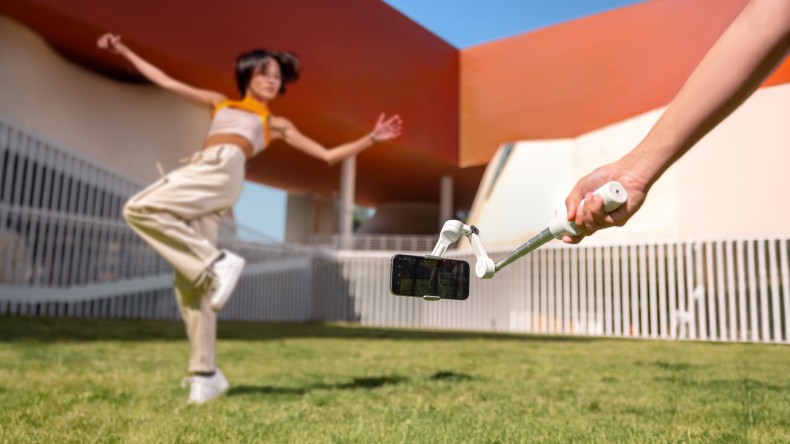
Key Features That Define Modern Smartphone Gimbals
When you’re navigating crowded streets, hiking switchbacks, or filming kids in constant motion, you need more than steady hands. The best smartphone gimbals for Samsung Galaxy devices combine intelligent software, thoughtful design, and field-ready durability.
AI-Powered Subject Tracking
Select your subject, and the gimbal keeps them in frame at all times. For Samsung Galaxy users shooting vlogs, sports clips, or travel content, this means you can move freely while staying perfectly framed.
Foldable, Pocket-Friendly Design
When fully extended, gimbals can measure 10–12 inches (25–30 cm). The good news is that most fold down to about half that size, so you can slip one into a bag or back pocket without slowing down.
Built-In Tripod and Selfie Stick
Integrated mini tripods let you set up stable time-lapses, group shots, or hands-free recordings anywhere. Extendable selfie sticks widen your framing for dynamic angles without extra accessories.
Magnetic Mounting
Older gimbals used clips that could feel insecure. Newer models feature magnetic mounting, keeping your smartphone firmly in place whether you’re running through city streets or filming high-energy action.
Smart App Integration
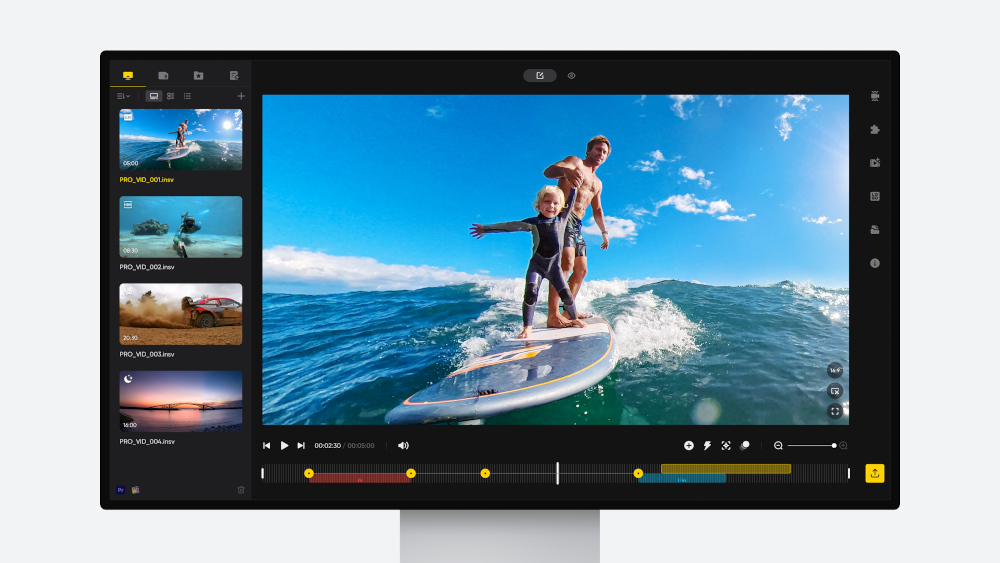
Filming is only part of the process. Modern gimbals pair with dedicated apps that unlock shooting modes, editing tools, and deeper creative control. For Samsung Galaxy users, smooth Android integration ensures tracking, gestures, and shooting modes are easy to access.
Shooting Modes That Unlock Cinematic Mobile Video
You’ve probably watched a smooth, sweeping shot on YouTube and wondered how it was done. Attaching your smartphone is a good start, but Insta360 Flow 2 Pro’s cinematic shooting modes make all the difference.
360° Infinite Pan Tracking
Life doesn’t happen within 180 degrees. The Insta360 Flow 2 Pro features 360° Infinite Pan Tracking, allowing the gimbal to rotate on its axis and follow action from every angle.
Motion Time-lapse
There’s a reason time-lapses are so popular. With a built-in tripod and motorized movement, you can create sweeping motion time-lapses. Try slow pans across skylines, drifting landscape shots, or subtle arcs around a still subject.
360° Panorama 2.0
Sometimes you need to capture the full scene. Standing at the edge of the Grand Canyon, standard shooting modes can’t always convey the scale. Insta360 Flow 2 Pro’s 360° Pano Photo 2.0 mode stitches together multiple images into sweeping panoramic scenes, capturing landscapes and environments at greater scale.
Dolly Zoom and Dynamic Push-Ins
Modern gimbals offer cinematic features once reserved for professional camera rigs. Dynamic push-ins—the slow forward movement used in emotional scenes—can now be created with simple controls. Dolly zoom effects, where the camera moves while the zoom changes in the opposite direction, are also possible.
The Top Gimbal for Samsung Galaxy Phones
Not all gimbals perform the same. When choosing one, look for a model that:
- Delivers reliable 3-axis mechanical stabilization.
- Locks onto subjects accurately with Deep Track 4.0, even if they’re blocked mid-shot.
- Folds small enough to carry everywhere.
- Mounts your Galaxy in seconds.
- Offers long battery life for full-day shooting.
Why Modern Smartphone Gimbals Are Worth It
Using a flagship Samsung Galaxy phone without a gimbal is like buying a Ferrari and driving it only on bumpy gravel roads. Built-in stabilization can handle simple shots, but a gimbal unlocks the full potential of your camera.
If you create content professionally or plan to monetize your work, higher production value is no longer optional. Smooth, stable footage sets your videos apart.
Why Insta360 Flow 2 Pro Is a Top Choice for Samsung Galaxy
Insta360 Flow 2 Pro blends traditional gimbal design with next-generation innovation.
Tracking Freedom: No Limits
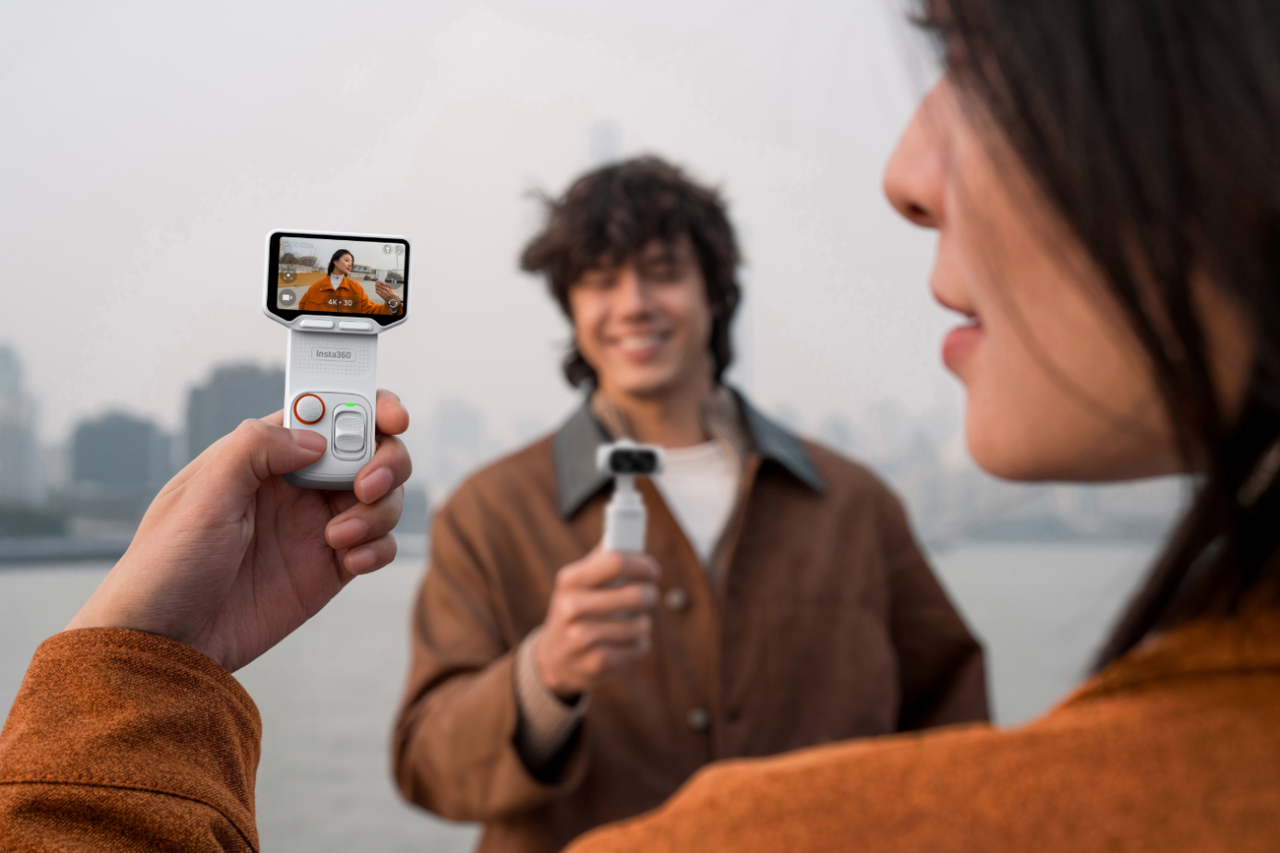
Android users can access tracking directly in both the native camera and third-party apps thanks to the built-in AI Tracker. Beyond advanced AI tracking, you’ll benefit from remote control access, 360° Infinite Pan Tracking, a built-in spotlight, and hand gesture control.
Minimal Setup: Silky Smooth Cinematic Shots
Its 3-axis mechanical stabilization delivers consistently smooth video. Setup is quick, and integration with the Insta360 app provides creative shooting modes and editing tools at your fingertips. Via the app, Android users will enjoy All-Lens Quality—direct access to multiple optical lenses that enable smooth zoom transitions and super-sharp image quality.
Insta360 Flow 2 Pro also supports creative modes such as 360° Panorama 2.0, Motion Lapse, Timeshift, Hoop Mode, and Cinematic Widescreen for easier cinematic filming. It’s also the only gimbal on the market with Multiperson Tracking, making those group shots a breeze.
8-in-1 Creation Tool for All Scenarios
No matter what, where, or how you’re filming, Insta360 Flow 2 Pro is the ultimate multi-tool for your cinematic endeavors. You’ll benefit from:
- 3-axis gimbal
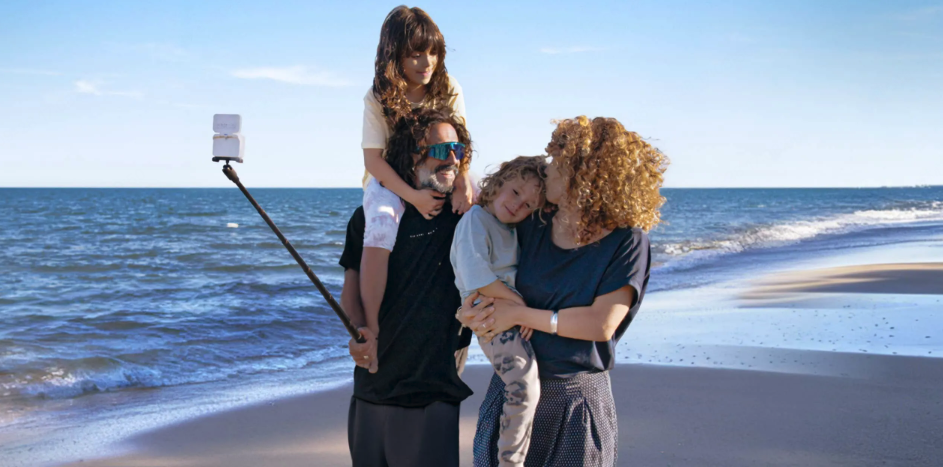
- Built-in selfie stick
- Built-in tripod
- Power bank
- Selfie mirror
- Teleprompter
- AI Tracker
- Secondary smartphone control
And, it’s simple to pair with Insta360 Mic Air for high-quality audio to match your stabilized footage.
With up to 10 hours of battery life and secure magnetic mounting, Insta360 Flow 2 Pro is built for full days of shooting.
Frequently Asked Questions
What’s the Best Gimbal for Android?
If you’re shooting on a Samsung Galaxy device, look for stabilization that pairs smoothly with Android, offers intelligent subject tracking, and sets up quickly. Insta360 Flow 2 Pro combines advanced AI tracking, 3-axis mechanical stabilization, and a compact foldable design for everyday carry.
Are Mobile Phone Gimbals Worth It for Photos?
For standard photos, a gimbal isn’t typically necessary. However, for long-exposure shots at night, low-light indoor scenes, or motion-based 360 images, added stabilization can improve results.
How Do I Choose the Right Gimbal?
Start with how you shoot and what you shoot. Consider whether you need AI tracking, extended battery life, or advanced creative modes. Match your needs to the right model. If you want a full feature set in one device, Insta360 Flow 2 Pro is a strong option.
Capture Smoother Samsung Galaxy Video With the Right Gimbal
You can keep producing shaky footage, or you can level up. An Insta360 gimbal elevates your content, making it smoother, more cinematic, and more engaging.
If you’re ready to move beyond the average, Insta360 Flow 2 Pro delivers outstanding stabilization, AI tracking across 360, gesture controls, group framing, and long battery life. Even the best cameras benefit from the right sidekick. Samsung Galaxy and Insta360 Flow 2 Pro make a powerful pairing.
Keen to keep up to date on Insta360 stories? Keep an eye on our blog and sign up for our mailing list. Got a story to share? Email yours to communitystories@insta360.com and win up to US$50.




%20(1).svg)


%20(1).svg)

.svg)


