

















































Ever wondered what happens when you order something from Amazon? Their fulfilment process is world renowned as hyper-efficient, and in this piece, we take a look at a case study from Amazon Stories, where they used an Insta360 Pro 2 to create a virtual tour of one such fulfilment centre.
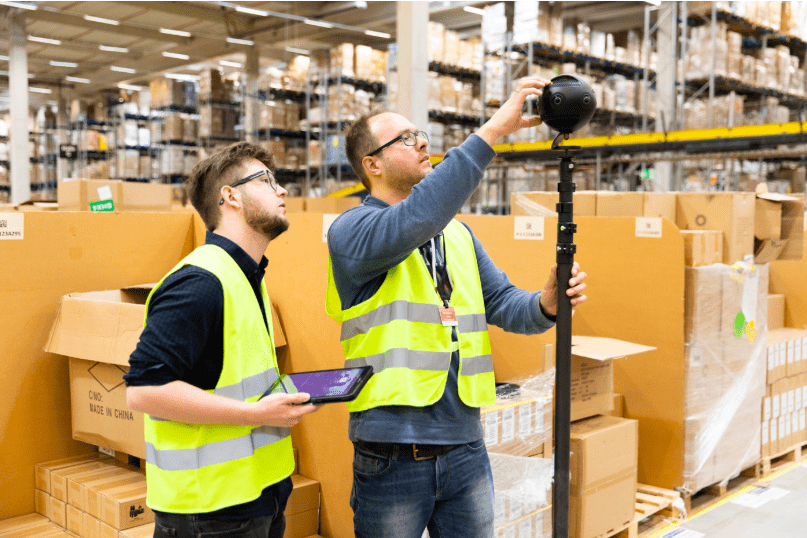
Jan Sassmannshausen is the EU Lead Video Producer for Amazon Stories. We interviewed him to get insight into how he used Insta360 Pro 2 for the project, we also learned some top tips for those of you shooting 360.
Could you introduce yourself and the project?
My name is Jan Sassmannshausen and I’m the EU Lead Video Producer for Amazon Stories. Amazon Stories discovers and shares unique stories about how Amazon has positively impacted people’s lives. By telling personal stories from a wide range of perspectives, we will tell the larger story of who Amazon is and how Amazon's core business practices contribute to a better world.

What did you aim to achieve with this piece?
With this Amazon Story, we’re raising awareness for our public tours at Amazon’s Fulfillment Center. We’re doing this worldwide as this story in particular shows how a tour in a German Fulfillment Center looks like.
Why did you choose the Pro 2 for your production?
We shoot our videos with a 4K DCI 50p resolution. To be able to add 360 footage to a 2D video and add decent effects like ‘little planet’ we were looking into a 360-camera with 8K output. Furthermore, we were looking for a 360-camera that is easy to set up and bulletproof when it comes to recording. The design of the Pro 2 with 6 cameras in one device convinced us.
How did the Pro 2 help with visual storytelling in this piece?
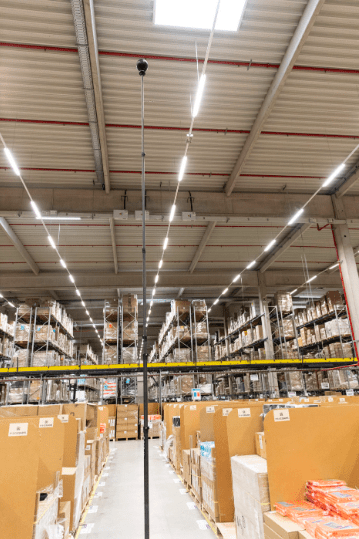
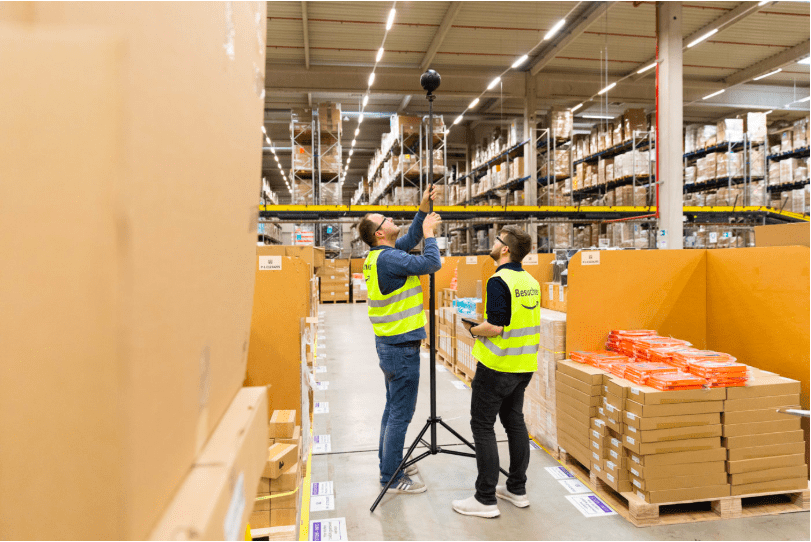
An Amazon Fulfillment Center consists of large halls with high racks and millions of products. We wanted to excite the audience right from the beginning to join one of our tours and felt that traditional filming techniques won’t do the job. So we attached the Pro 2 to a tripod and winded it up a few meters. With some animation work, we created this powerful opening shot of the large hall that we wouldn’t have been able to do otherwise.
What are the top features that you liked about the Pro 2?
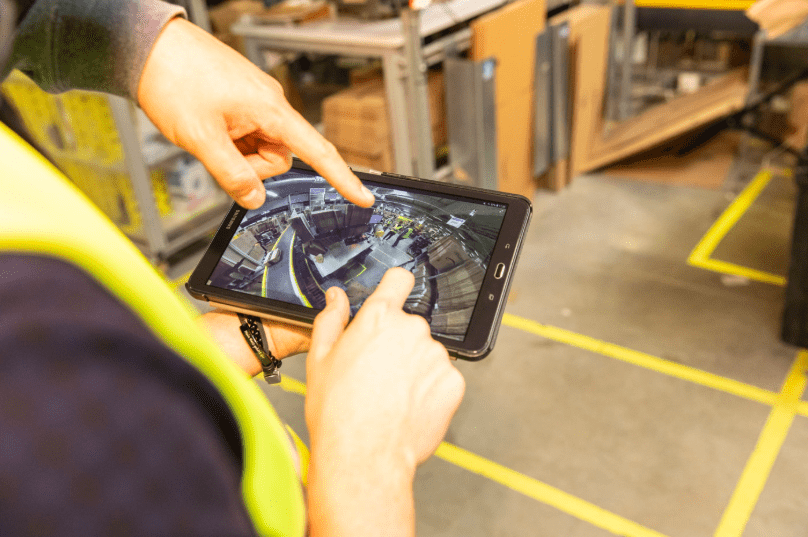
The easy setup: just unpack, power up and shoot. Shooting in a Fulfilment Center during a usual business day and while accompanying a guided tour requires you to move fast and always be ready to prepare the next shot. This is the strong suit of the Pro 2
Farsight. In a large hall, you need to put a decent distance between yourself and the Pro 2 to be out of the shot. Farsight provides this flexibility and combines it with a great preview quality.
How did FlowState Stabilization help with the project?
We did one shot where we assembled the Pro 2 to a tripod stick and handed it to one participant of the tour. The participant was on a narrow path with shelves on both side. This POV wide angle 360-shot gave us a completely new perspective and suddenly the audience was part of the tour. The idea for this shot came up spontaneously and we had some doubts about how shaky this is going to get but thanks to the FlowState stabilization it came out smooth.
What steps are involved in your technical workflow?
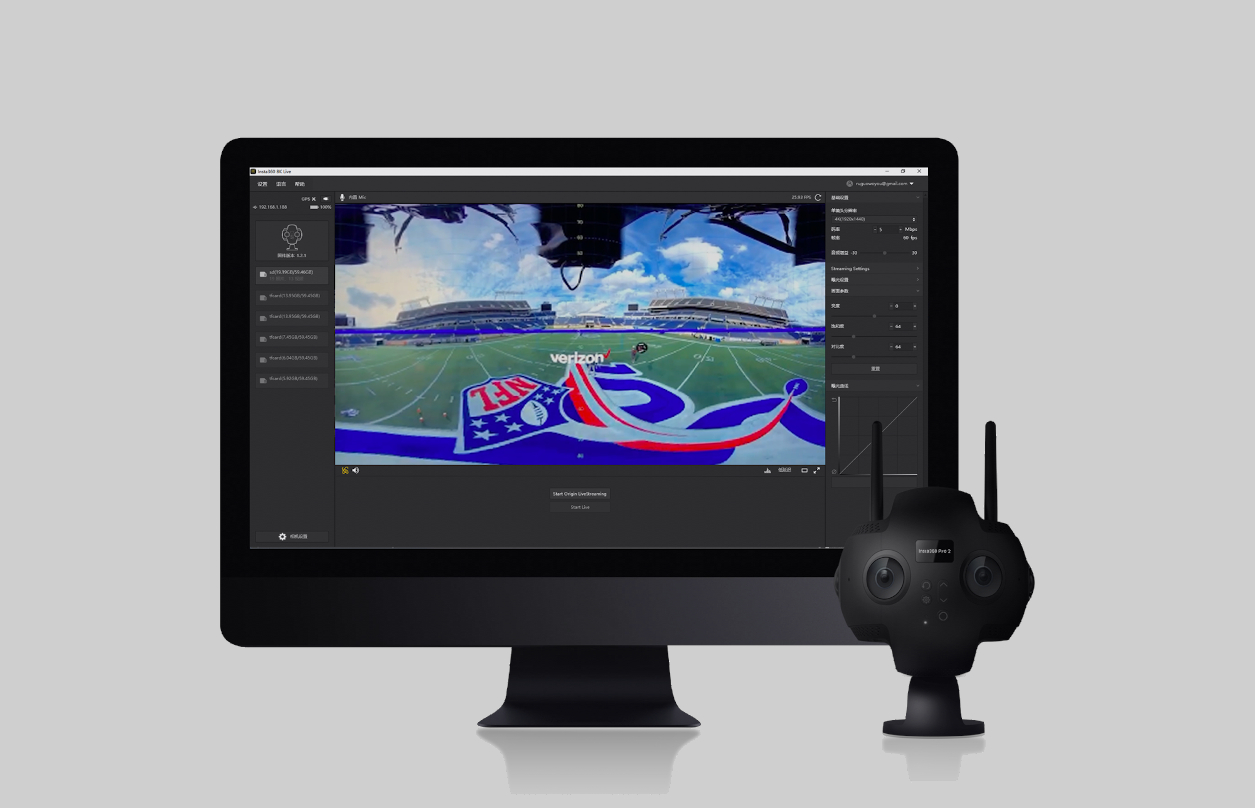
We’re using Insta360 Stitcher to export lightweight h.264 proxies. This allows us to create the first draft with Adobe Premiere Pro very quickly. As soon as we’ve decided on which Pro 2 shots make it into the final cut, we export his again as ProRes files. The polishing, like removing the tripod from the shot, is done in Adobe After Effects.
In what other ways does the Pro 2 make your job easier?
The Pro 2 allows us to create powerful shots without a difficult setup. Just take the ‘little planet’ opening shot. To achieve something similar, we’d have needed to operate a drone \ plan the whole movement in advanced. Now it’s a fixed angle and we can animate it the way we want it just on our own.
If you were new to VR storytelling, what would be some tips you wish you knew at the time that you have since learnt?
Well, I wish I had known or thought of the idea to include 360 shots to traditional 2D video footage in the first place. Also, I can recommend everybody to do manual stitching in Adobe After Effects once. I did it with a 2 lenses back to back camera at it was really eye-opening to understand the concept behind the 360 technique.
You can read more (In German) about the project right here on Amazon's blog.
Keen to keep up to date on Insta360 stories? Keep an eye on our blog and sign up for our mailing list. You can also contact our Enterprise team directly to see how 360 cameras can benefit your business.




%20(1).svg)


%20(1).svg)

.svg)


