
01 Use Insta360 Reframe Adobe Premiere Pro Plug-in
01 Use Insta360 Reframe Adobe Premiere Pro Plug-in
This video will show you how to edit 360º videos in Adobe Premiere Pro with the new Insta360 Reframe plug-in!


이 정보가 도움이 되었나요?


Beginner Guide
총 5 강의,0분 동안 학습하여 0%를 완료했습니다.


지금 학습 중
지금 학습 중
지금 학습 중
지금 학습 중
지금 학습 중

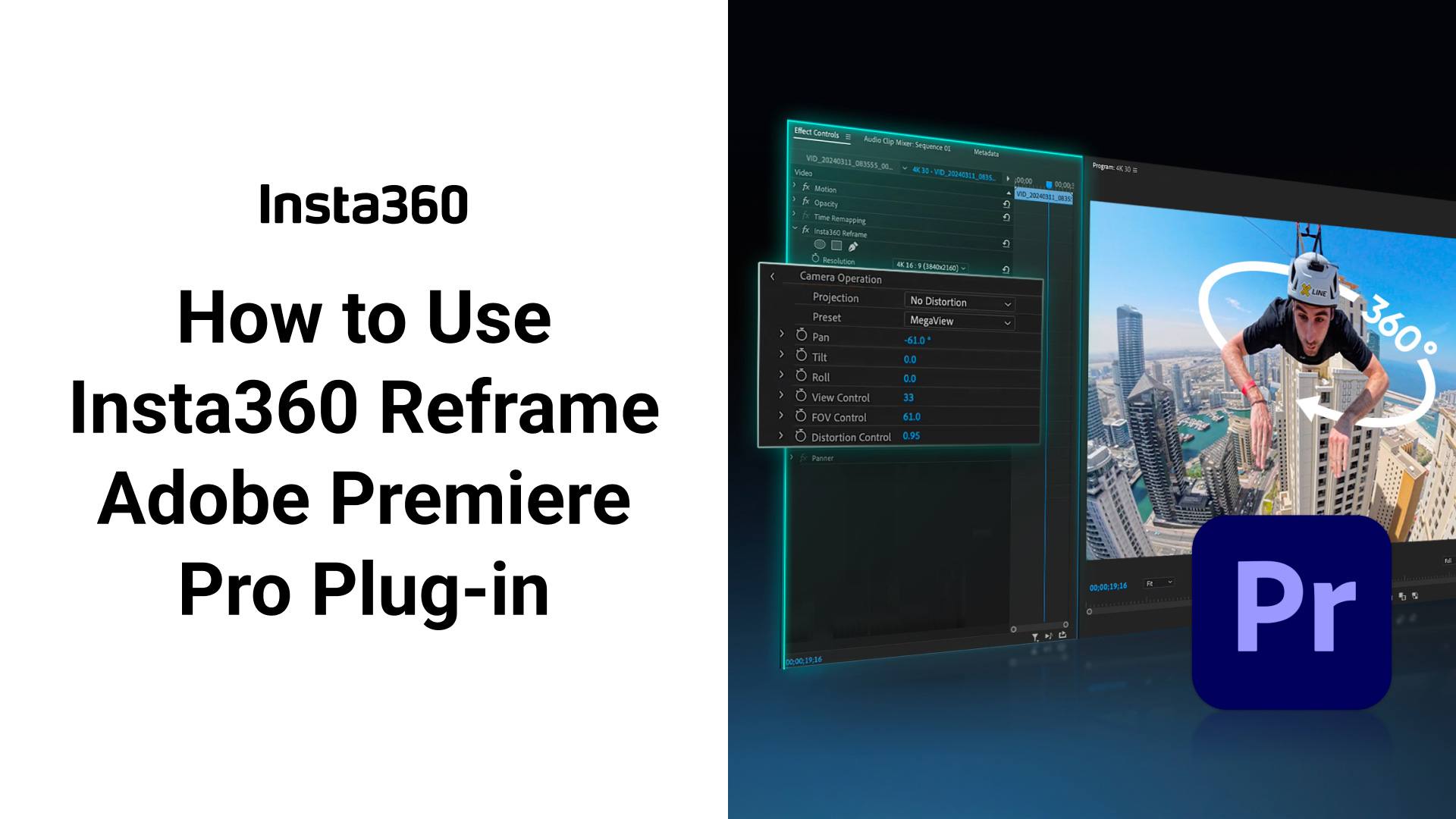
01 Use Insta360 Reframe Adobe Premiere Pro Plug-in
QR 코드를 스캔하여 튜토리얼 비디오 보기
이미지 저장
로그인
강의
원하는 강의를 선택하세요.

Beginner Guide
Beginner Guide is here! Comprehensive collection, including Unboxing, Shooting Techniques, and Unique Features, helping you easily master the Insta360 device.

곧 출시 예정

곧 출시 예정
로그인
강의
학습 진행 상황을 저장하려면 Insta360 계정에 로그인하세요
지금 로그인하지 않음
로그인
%201.svg)
피드백
더 나은 튜토리얼 서비스를 제공할 수 있도록 여기에 피드백을 남겨주세요. 감사합니다!
1. 도움이 되지 않은 이유는 무엇입니까?
.svg)

2. 문제에 대한 후속 조치와 대응을 위해 이메일 주소를 남겨주세요.
제출하기