back
First Use & Basics
First Use & Basics
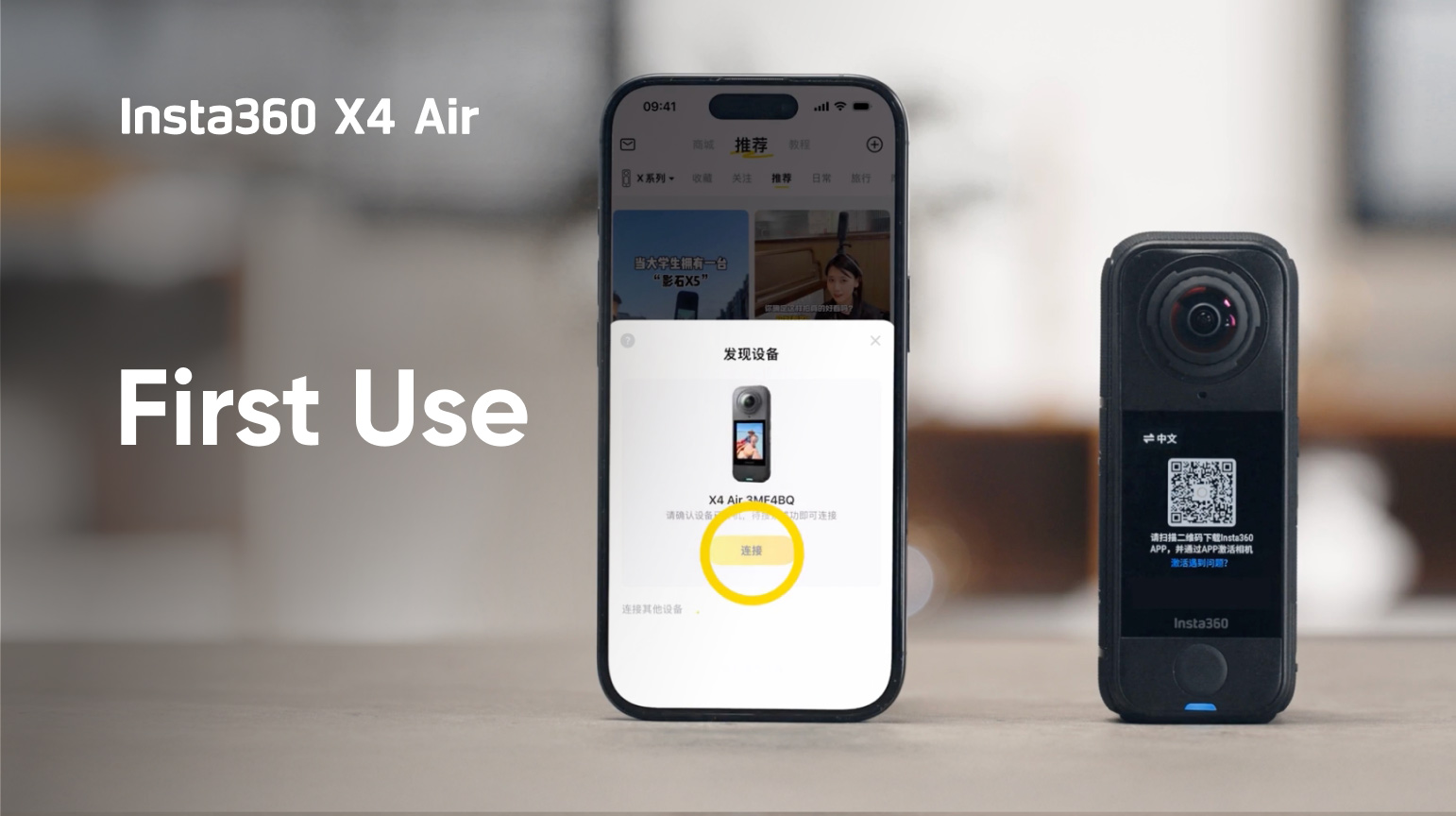
This video shows you how to set up and start using your Insta360 X4 Air. It covers: 1. Unboxing the camera 2. Inserting the memory card 3. Activating the camera 4. Shooting and playback 5. Charging the camera
この情報は役に立ちましたか?
合計13レッスン,0分学習し、コースの0%を完了しました
up-arrow
playing
First Use & Basics
現在学習中
playing
How to Shoot and Edit with a 360 Camera in 1 Min
現在学習中
playing
Best Shooting Settings for Every Scenario
現在学習中
playing
Using the Buttons & Touchscreen
現在学習中
playing
How to Use the Invisible Selfie Stick
現在学習中
playing
InstaFrame Mode: What It Is & How to Use It
現在学習中
playing
Quick Reader Tutorial
現在学習中
playing
Learn How to Replace Your Lenses in 3 Minutes
現在学習中
playing
X4 Air Smart Shooting Tutorial
現在学習中
playing
Insta360 Electric Suction Cup Mount Tutorial
現在学習中
playing
Insta360 X4 Air Invisible Dive Case Tutorial
現在学習中
playing
Installing the Lens Guards
現在学習中
playing
How to Use the Underwater Selfie Stick with Remote
現在学習中
close
qrcode
First Use & Basics
QRコードをスキャンしてチュートリアル動画を見る
画像を保存する
ログイン
コース
close
お好みのコースを選んでください。
まもなく公開
まもなく公開
ログイン
コース
close
学習の進捗状況を保存するためにInsta360アカウントにログインしてください
Feedback
より良いサービスを提供できるようにするため、チュートリアルのフィードバックをこちらにお願いします!
1. 役に立たなかった理由は?
checkedchecked
動画の構造を理解するのが難しかった
checkedchecked
必要な情報が見つけられなかった
checkedchecked
問題が解決しなかった
checkedchecked
動画の再生が不安定、または動画が読み込めなかった
checkedchecked
その他
2. あなたの問題をフォローアップするため、Eメールアドレスを入力してください。
提出