
01 Use Insta360 Reframe Adobe Premiere Pro Plug-in
01 Use Insta360 Reframe Adobe Premiere Pro Plug-in
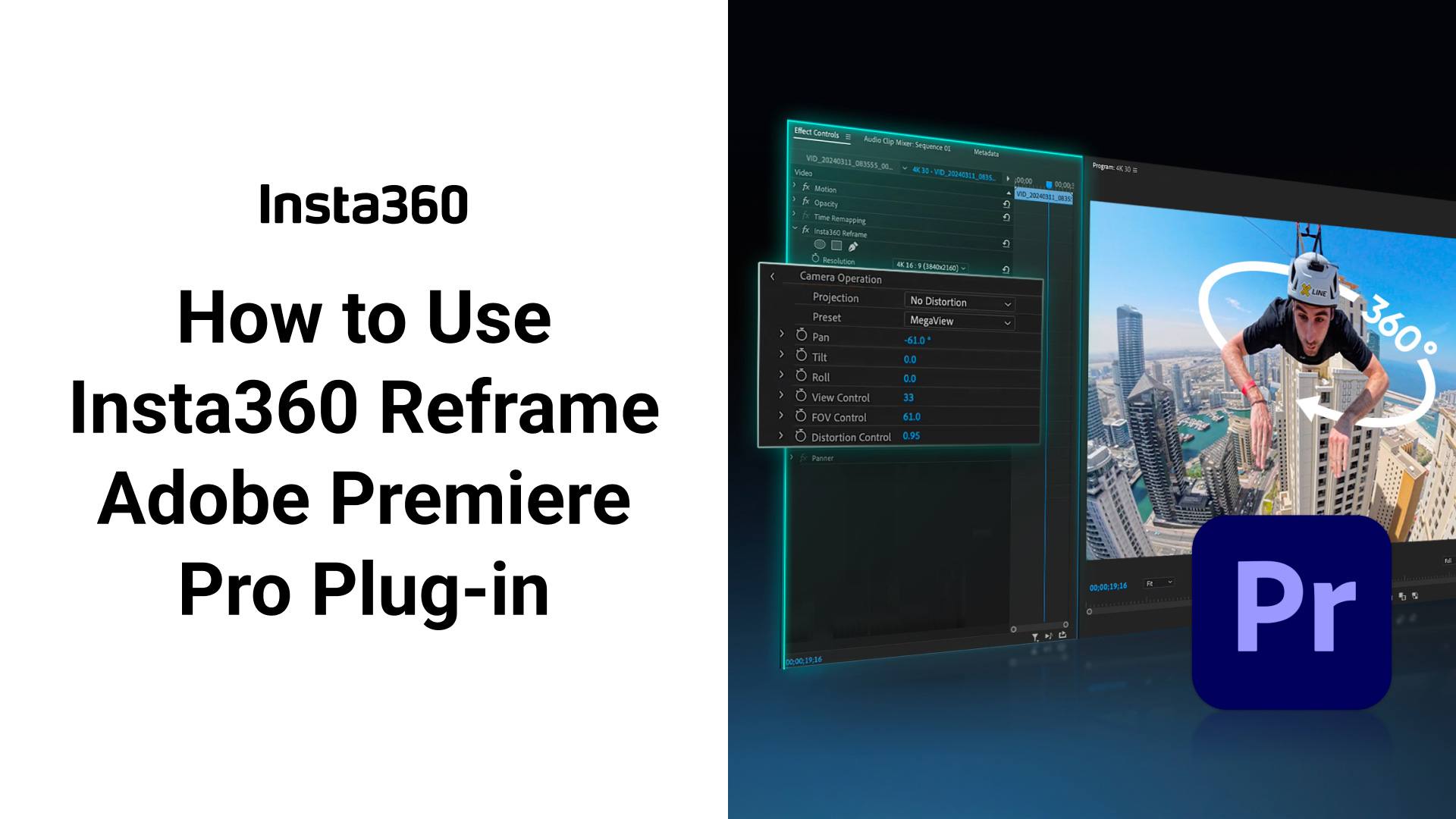
This video will show you how to edit 360º videos in Adobe Premiere Pro with the new Insta360 Reframe plug-in!


Was this information helpful?


Beginner Guide
Total of 5 lesson(s),You have learned for 0 minute, completed 0% of the course


Learning Now
Learning Now
Learning Now
Learning Now
Learning Now

01 Use Insta360 Reframe Adobe Premiere Pro Plug-in
Scan QR Code to View Tutorial Videos
Save Image
Log in
Courses
Please select the courses you need.

Beginner Guide
Beginner Guide is here! Comprehensive collection, including Unboxing, Shooting Techniques, and Unique Features, helping you easily master the Insta360 device.

Coming Soon

Coming Soon
Log in
Courses
Please log in to your Insta360 account to save your learning progress
Log In Later
Log in
%201.svg)
Feedback
For the tutorial, and so we can provide better service, please leave some feedback for us here, thanks!
1. Why was this not helpful?
.svg)

2. In order for us to follow up on your problem, please leave your email address.
Submit