Editing multiple Bullet Time clips together used to be a tedious process of trimming individual clips and editing them together. Now you can get a seamless Bullet Time Mix video with just a few taps–perfect for an eye-catching highlight reel of different locations.
All you need to do is film with the Insta360 ONE R Dual-Lens 360 mod and use the Bullet Time Mix template in the Shot Lab to create your own Bullet Time compilation. Read on to learn how!
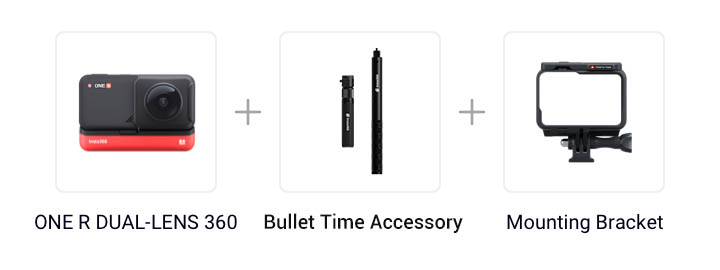
Gear used: ONE R DUAL-LENS 360 + All-Purpose Tripod+ Mounting Bracket
Steps:
Step 1: Set shooting parameters
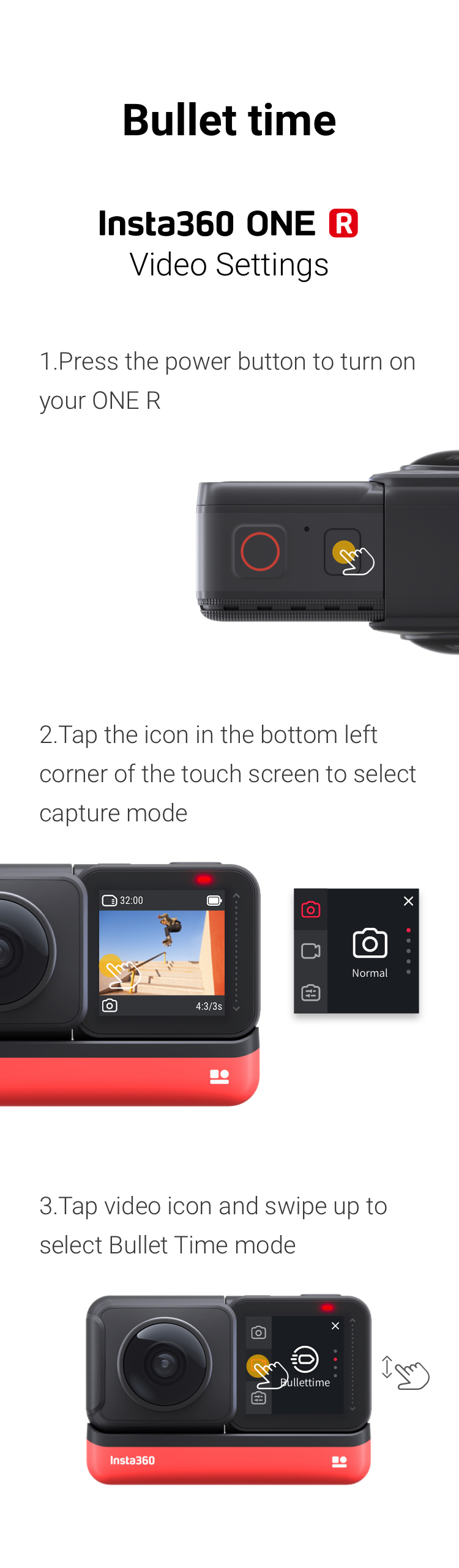
Long press the power button to turn on the camera and tap the lower left corner of the camera screen to select the “Bullet Time” video mode.
Step 2:The Prep
Mount ONE R onto the Bullet Time Accessory.
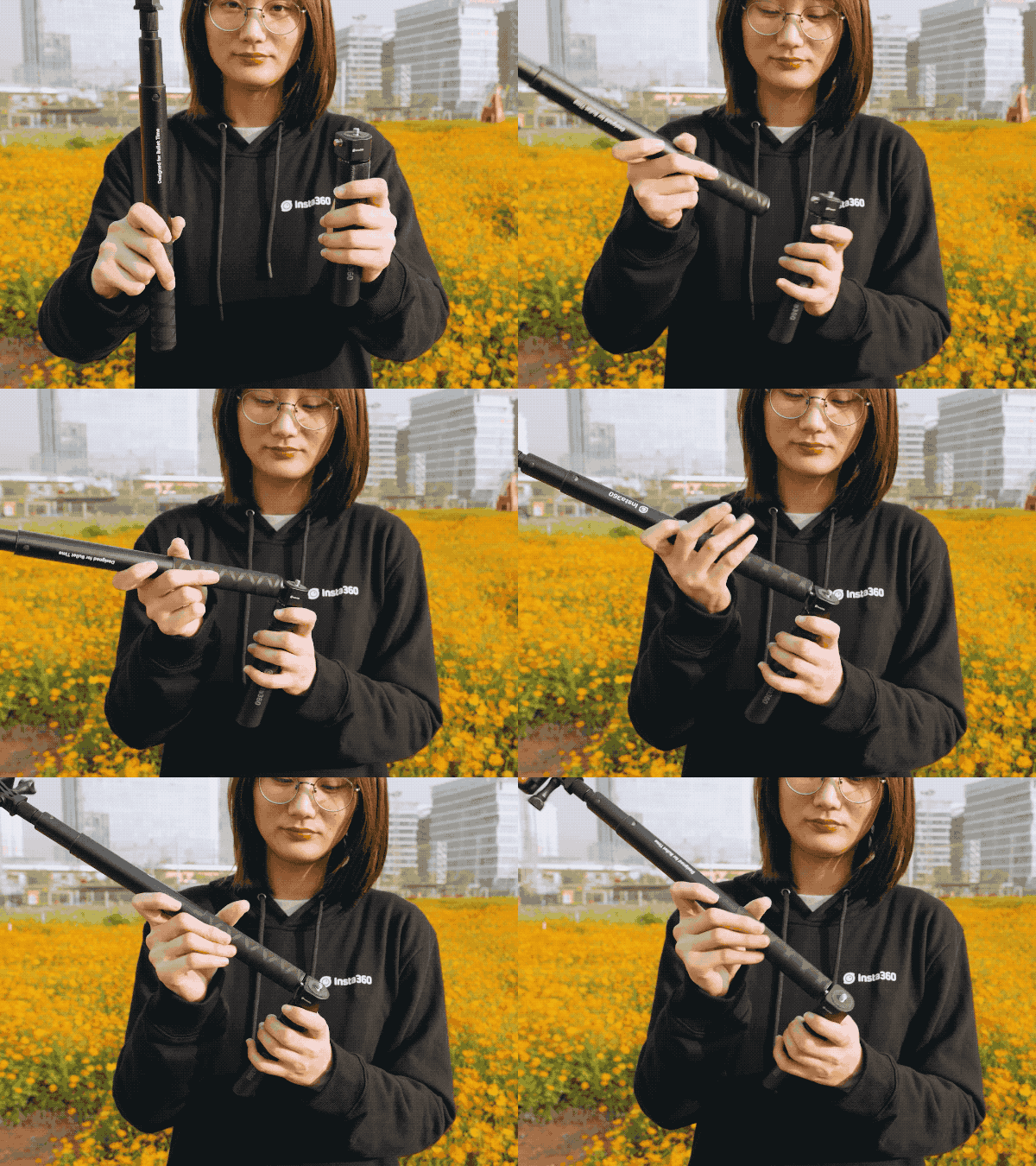
Extend the invisible selfie stick to its maximum length. Here’s some tips on using the invisible selfie stick: Selfie Stick Tutorial
Step 3: The Shot
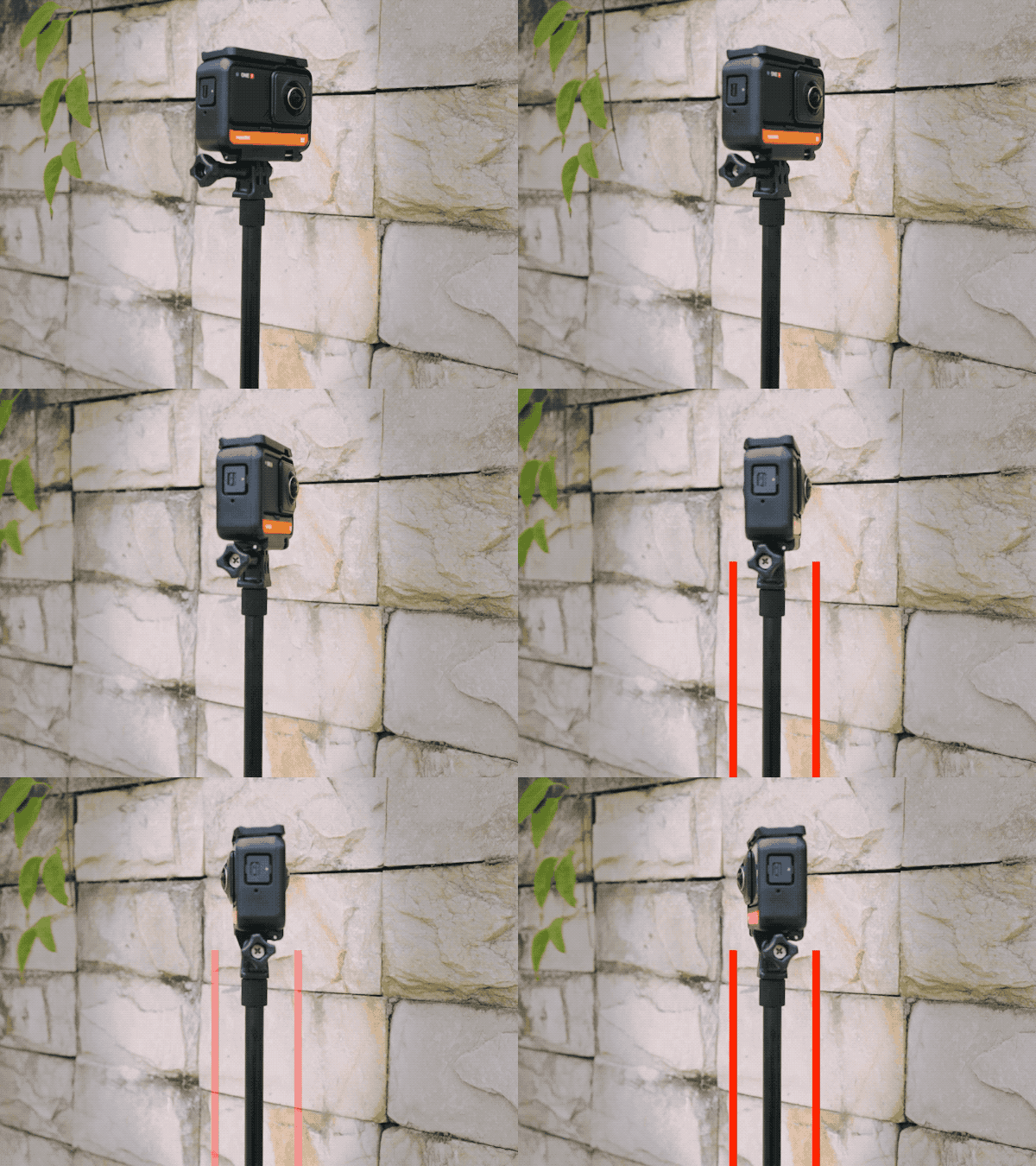
(1)Press the shutter button to start shooting
(2)Swing the invisible selfie stick in a circle above your head at an even pace, keeping the selfie stick as level as possible.
(3)Repeat in at least 6 different locations with different backgrounds.
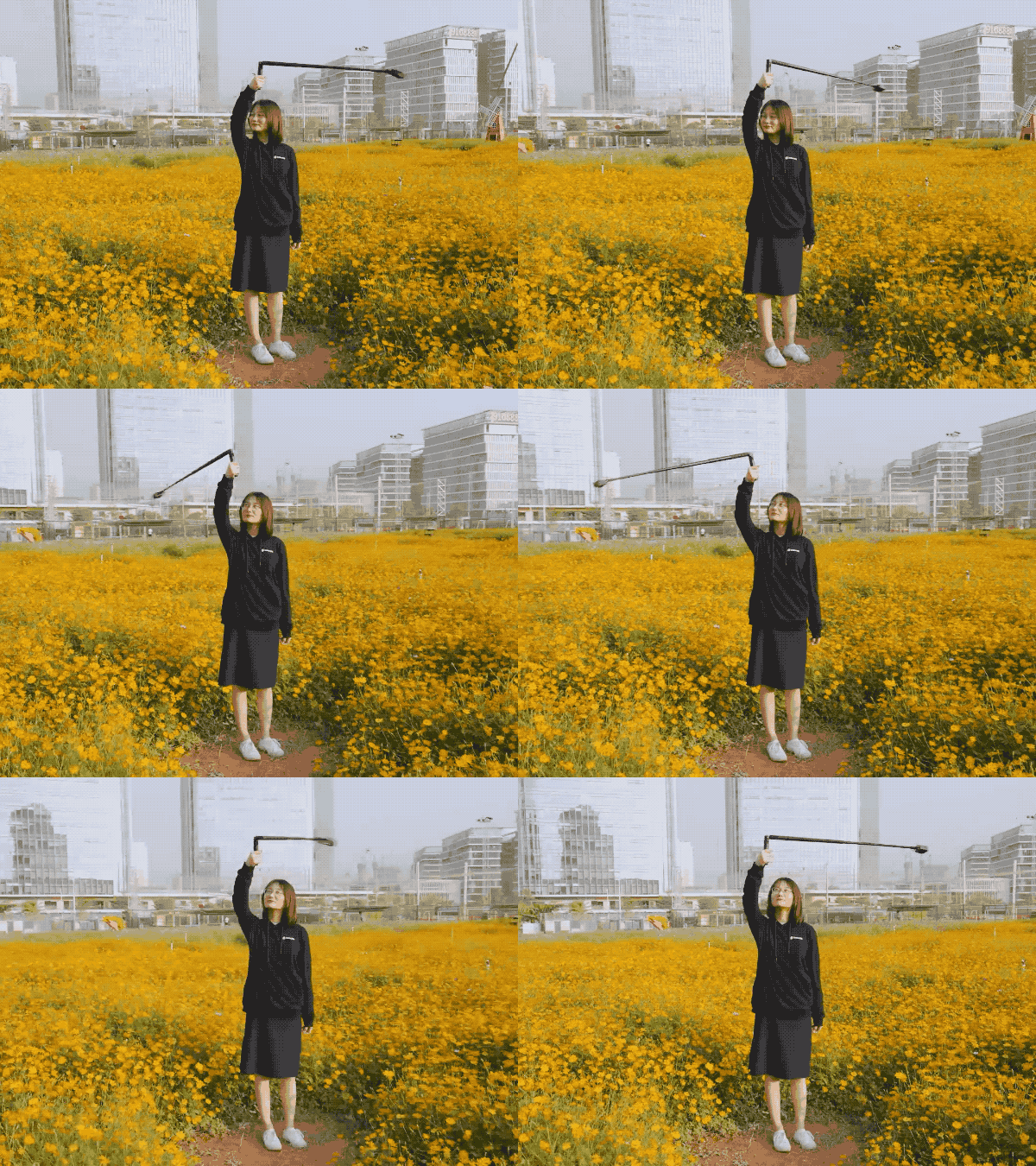
Step 4: Download the video, edit and share the export
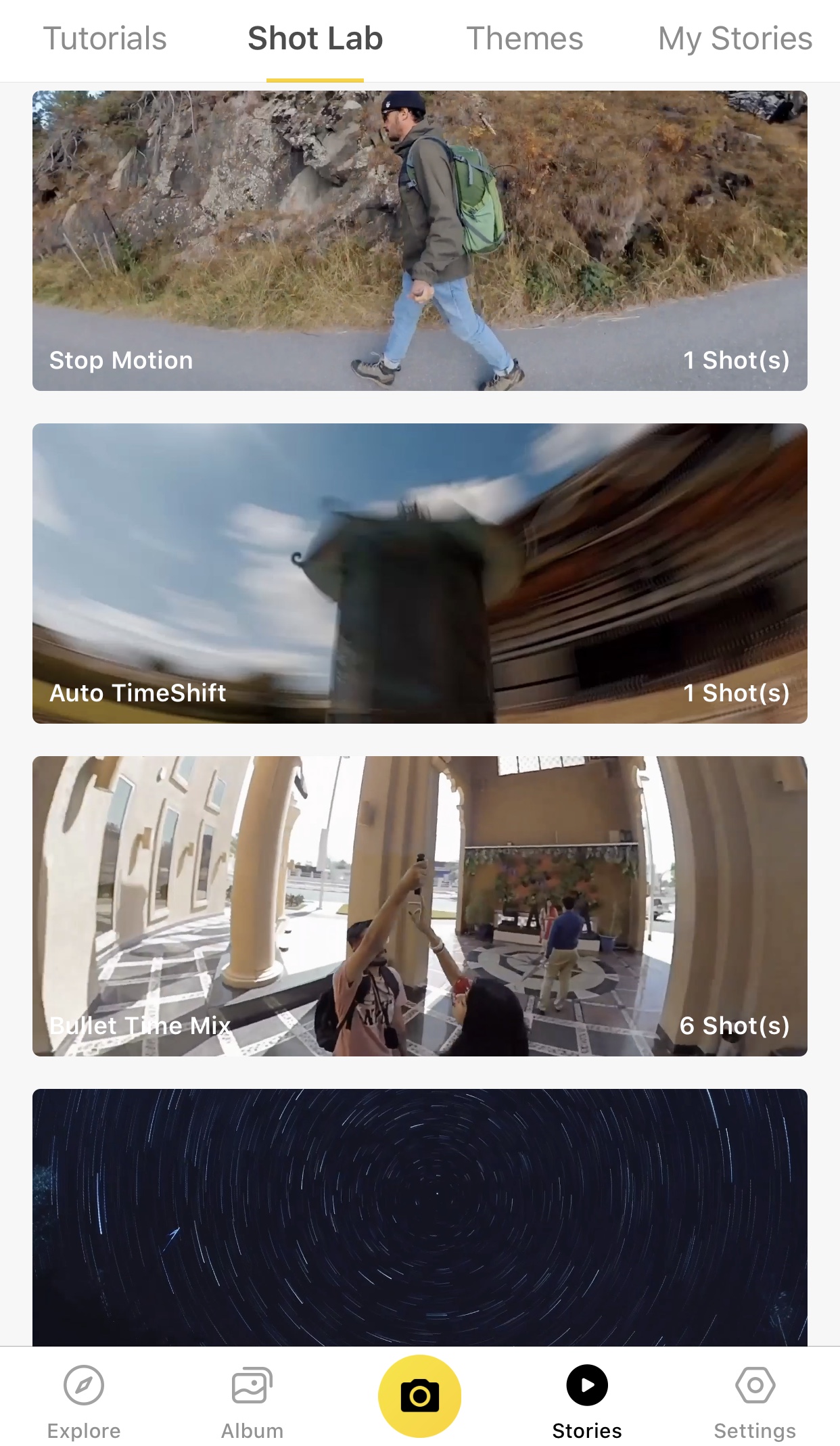
(1) In the ONE R app, tap Stories–Shot Lab–Bullet Time Mix
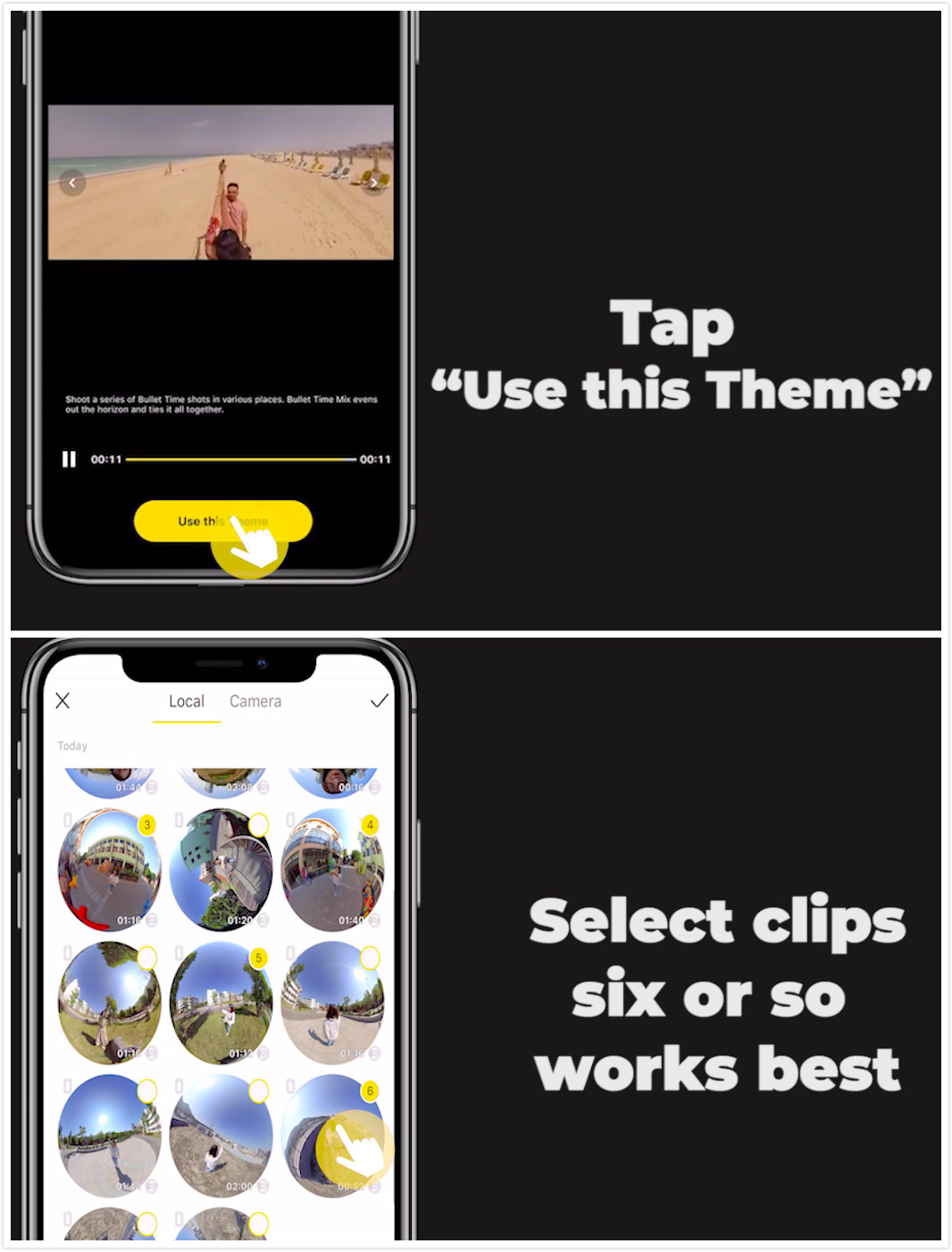
(2)Tap “Use this Theme” and select your Bullet Time clips
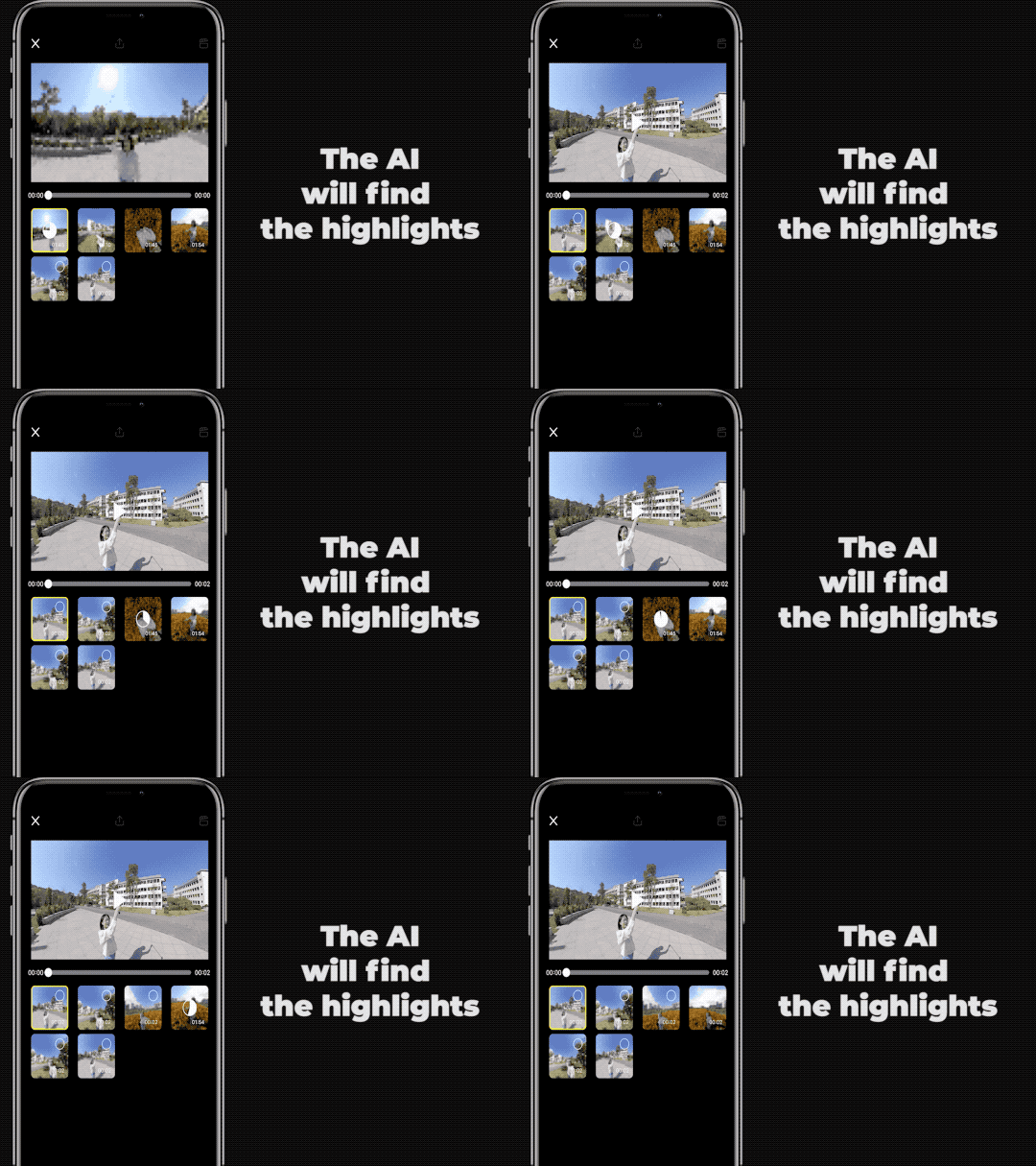
(3)The AI will then find the highlights. Please don’t exit the app during the recognition process.
(4)Pick your favorite highlights in the order you’d like them to play and preview the compiled video.
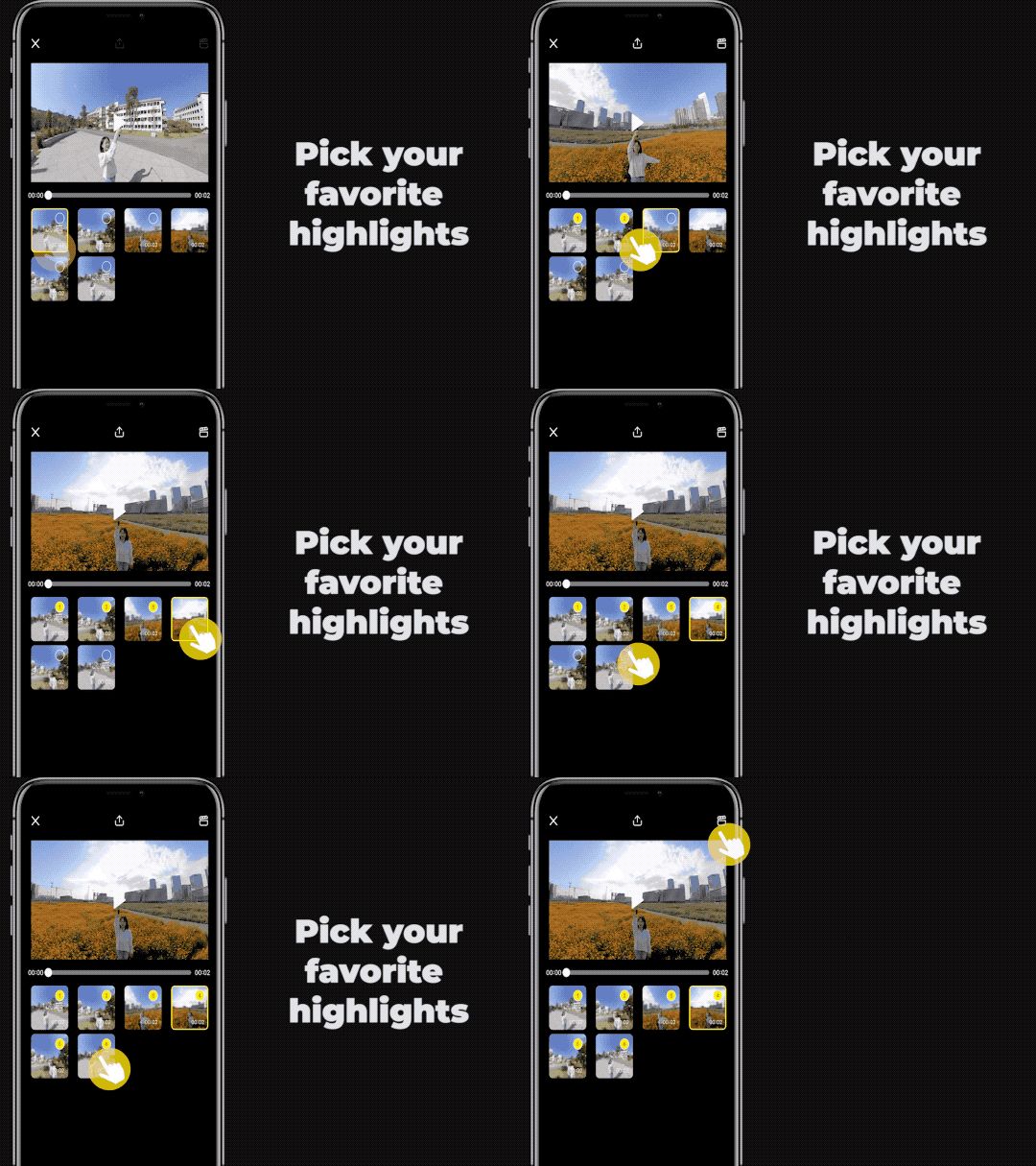
(5)Export, add the tag #BulletTimeMix and share to the community!
Tips:
(1)Swing the invisible selfie stick at a constant speed. When you change locations, rotate the stick in the same direction as before.
(2)Try calibrating the gyro if you’re experiencing abnormal rotations or shakes while shooting.
Here’s how to calibrate the gyro.
With just a few taps, you can create a creative masterpiece that will blow minds on social media.
Don't have ONE R yet? Grab yours today ↓↓↓
.svg)


 Horario de oficina: 9:00-18:00 (UTC+1)
 Horario de oficina: 9:00-18:00 (UTC+1)
