
First Use & Basics
First Use & Basics
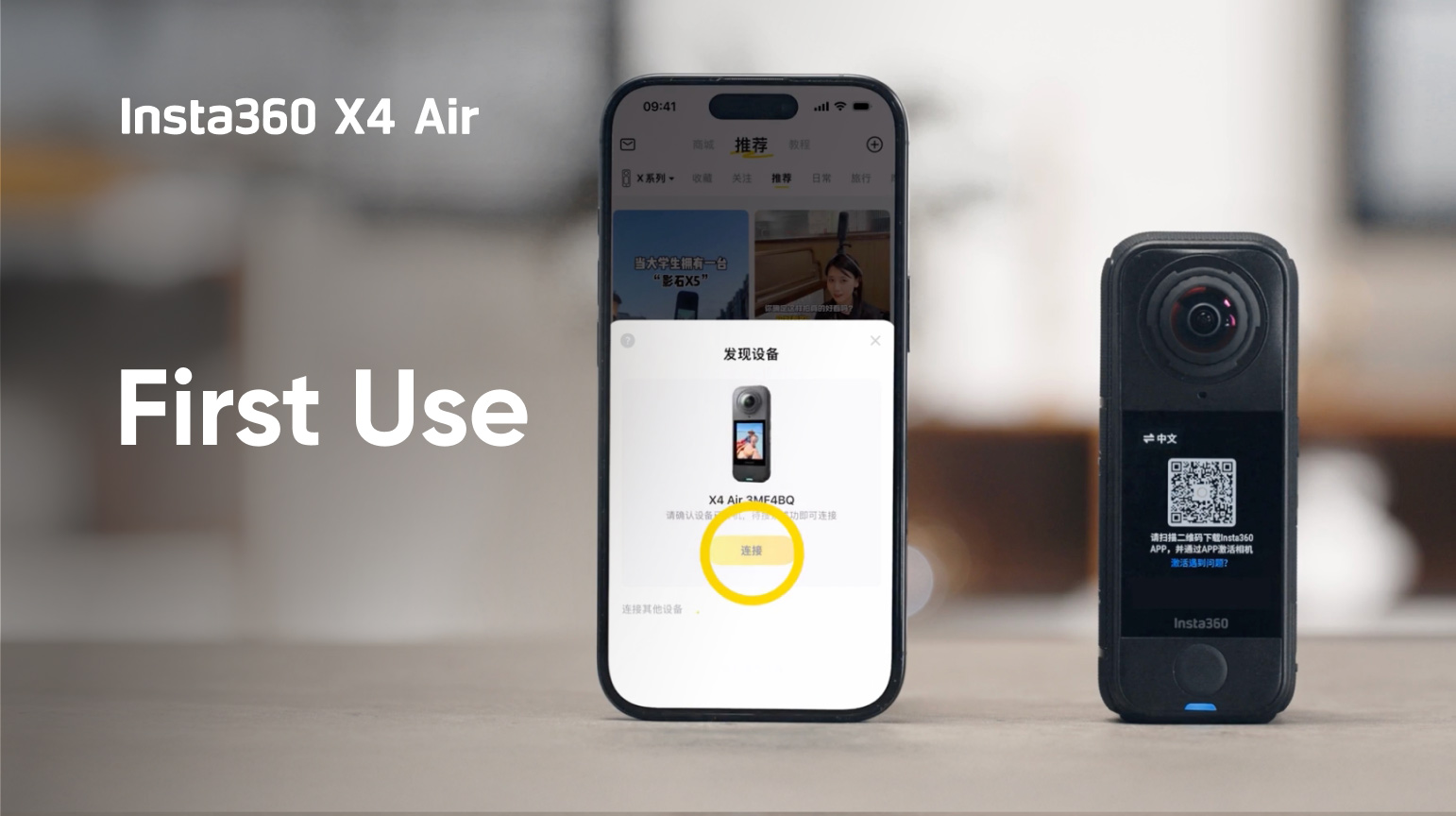
This video shows you how to set up and start using your Insta360 X4 Air.
It covers:
1. Unboxing the camera
2. Inserting the memory card
3. Activating the camera
4. Shooting and playback
5. Charging the camera


¿Te resultó útil esta información?


Total de 13 lección,Ha aprendido durante 0 minuto, completó el 0% del curso


Aprendiendo ahora
Aprendiendo ahora
Aprendiendo ahora
Aprendiendo ahora
Aprendiendo ahora
Aprendiendo ahora
Aprendiendo ahora
Aprendiendo ahora
Aprendiendo ahora
Aprendiendo ahora
Aprendiendo ahora
Aprendiendo ahora
Aprendiendo ahora

First Use & Basics
Escanear el código QR para ver videos tutorial
Guardar imagen
Iniciar sesión
Cursos
Por favor, seleccione los cursos que necesita.

Próximamente disponible

Próximamente disponible
Iniciar sesión
Cursos
Inicie sesión en su cuenta de Insta360 para guardar su progreso de aprendizaje
Iniciar sesión más tarde
Iniciar sesión
%201.svg)
Feedback
Para el tutorial, y para que podamos brindar un mejor servicio, déjanos aquí tus comentarios aquí, ¡gracias!
1. ¿Por qué no fue útil?
.svg)

2. Para poder ayudarte a resolver tu problema, por favor, indícanos tu email.
Enviar